Customer notes
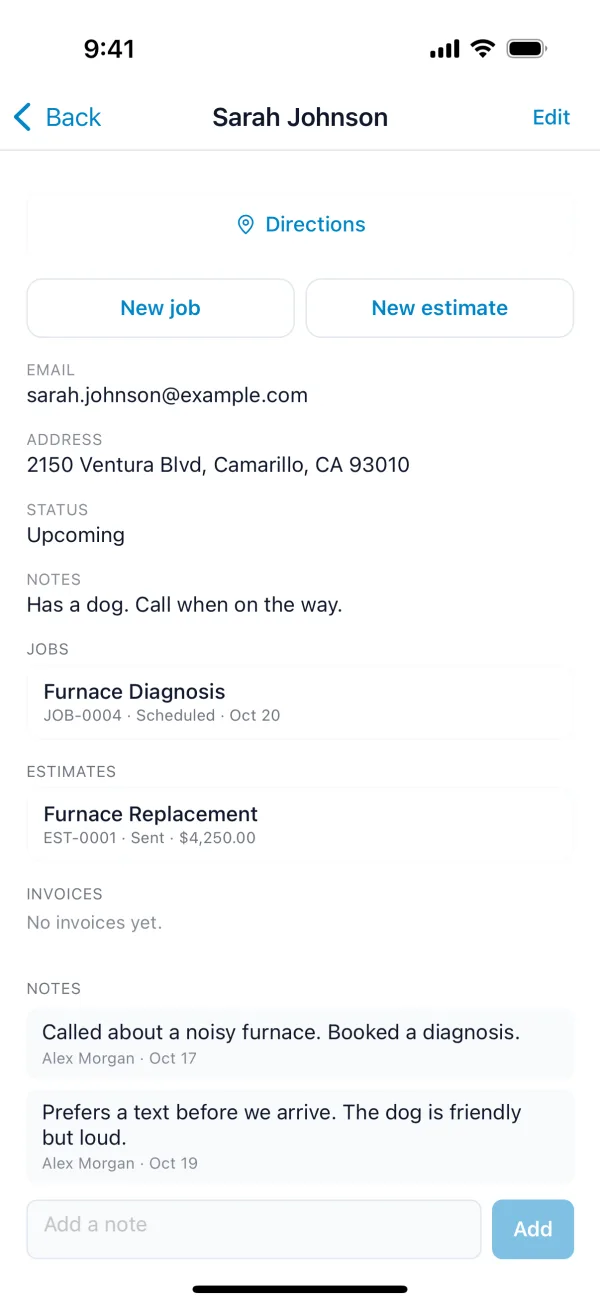
Notes are for your team. Customers never see them. Each note keeps who wrote it and when, newest first.
For something that never changes, like a gate code, use the customer's own Notes field instead, in Add and edit customers.
- Open the customer and click the Notes tab.
- Type the note and click Add Note.
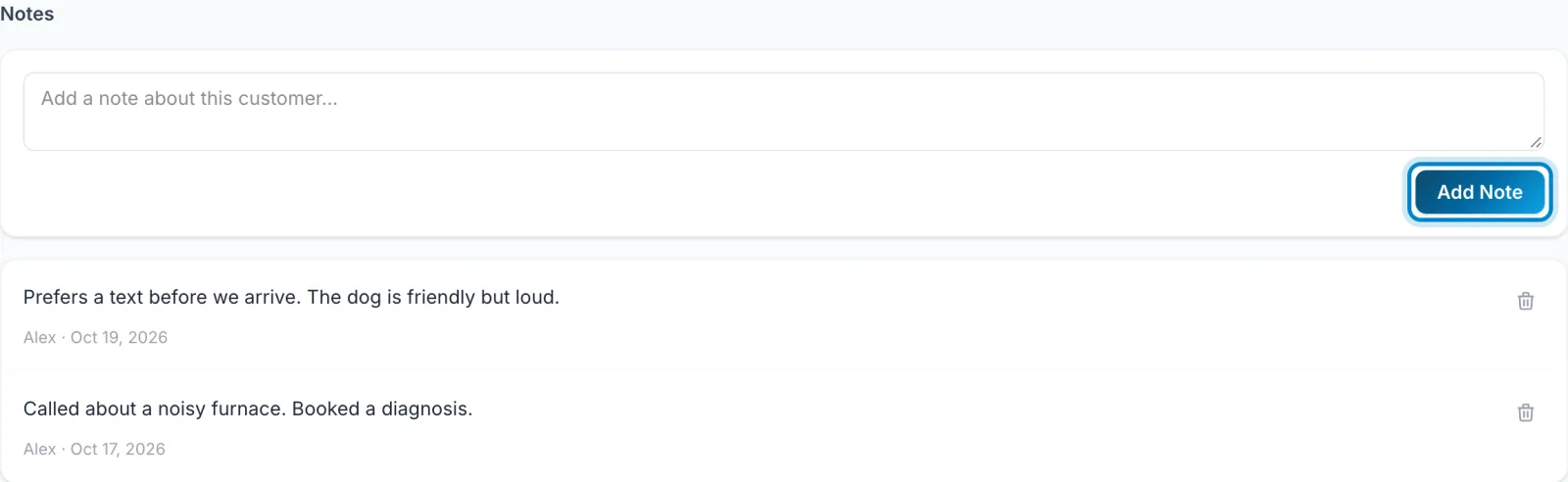
To delete a note, click the bin icon next to it.
- Open the customer and scroll to Notes at the bottom.
- Type in Add a note and tap Add.