Import customers
Export your customers from your old software (or Google Contacts, or your own spreadsheet) and upload the file. FieldOS works out the columns, and you check everything before any customer is created.
-
In the sidebar, click Customers, then Import.
-
Click Choose File, pick your file, and click Upload. CSV, TSV and Excel files work, up to 10 MB and 10,000 rows.
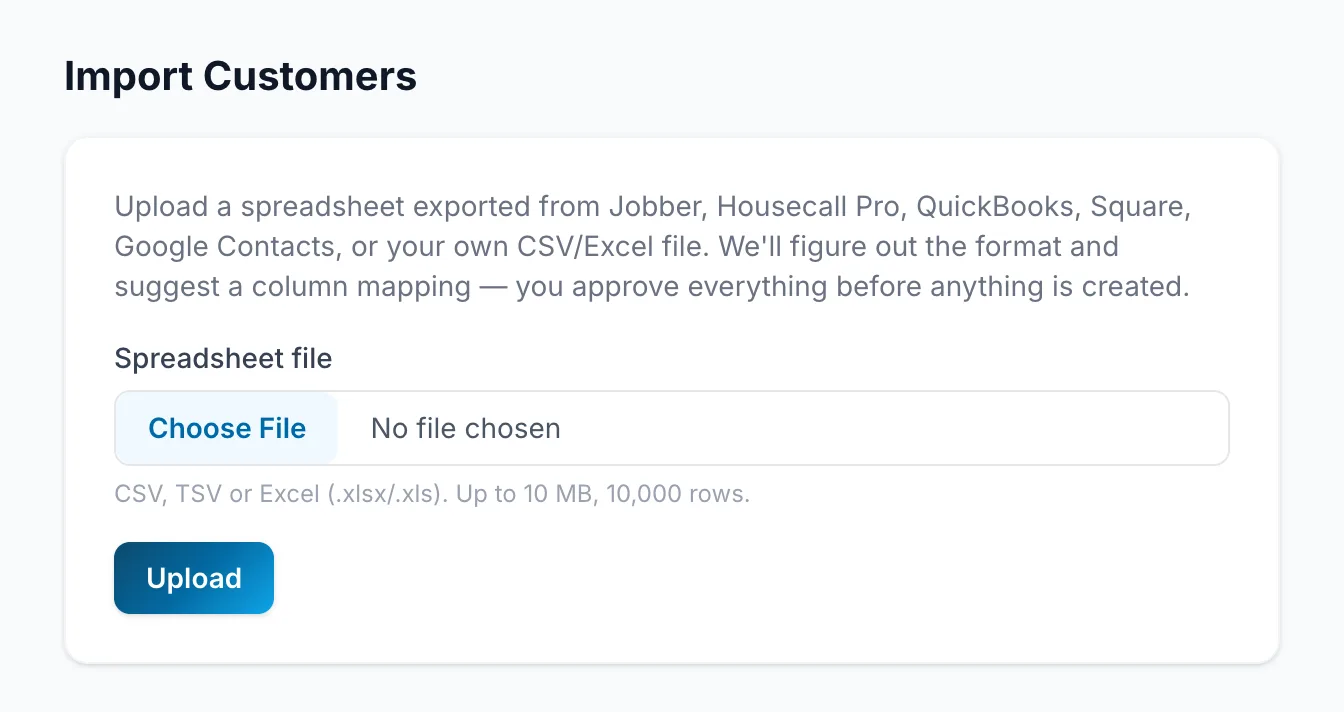
-
Check what each column Maps to, then click Continue to Review. A Tags column becomes labels, one per name between commas.
-
Choose what happens when a row matches a customer you already have: Skip duplicates (the default), Fill in blanks only, or Create anyway.
-
Tick the box confirming these are your existing customers, and click Import.
On the Free plan you can import one customer list. Starter and up can import as many as you like.