Create a job
A job is the work itself. It has a customer, an address, a price, and one or more visits: the times you're on site.
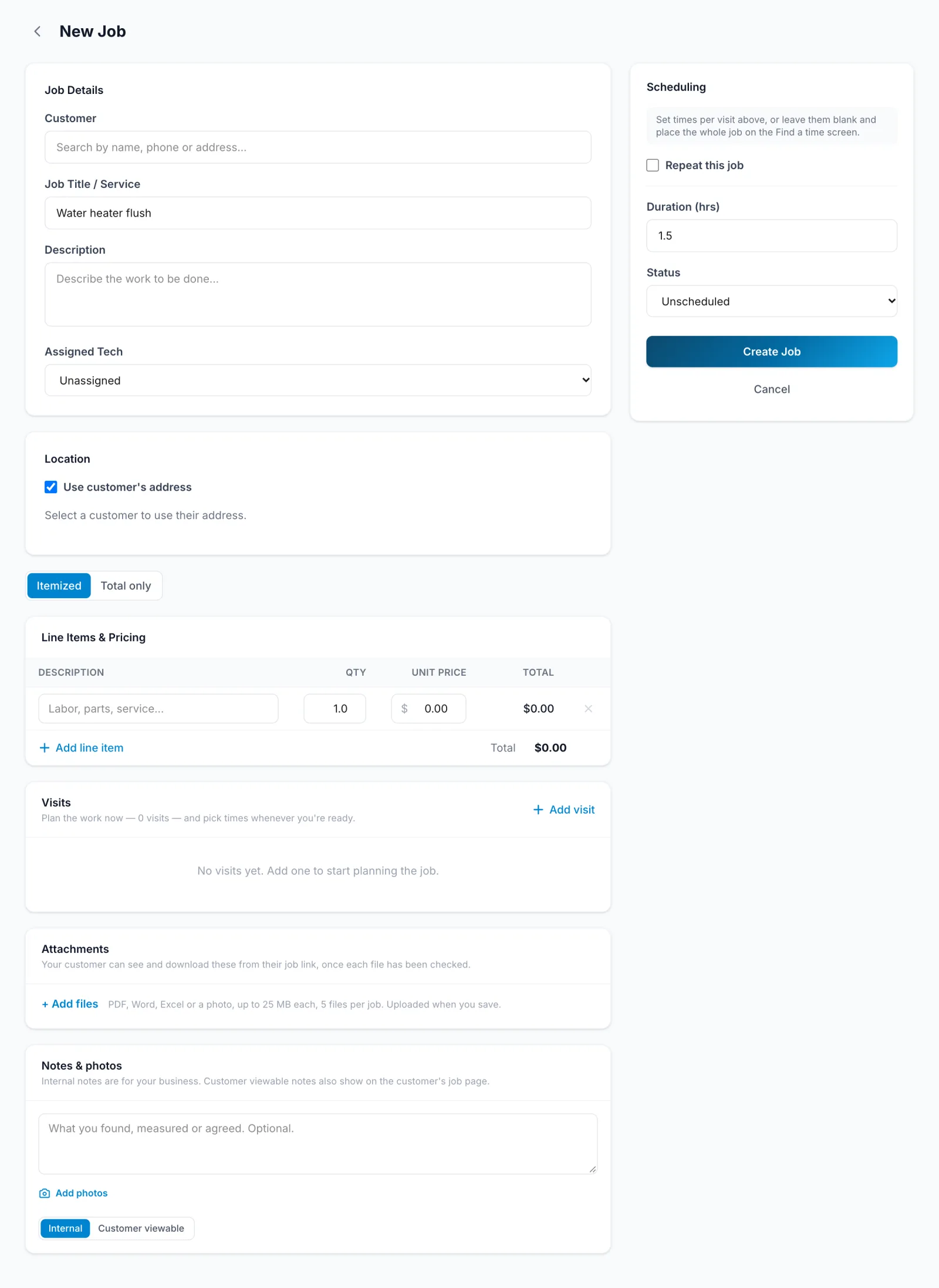
- In the sidebar, click Jobs, then New Job.
- Pick the Customer and fill in Job Title / Service. Add a Description and an Assigned Tech if you like.
- Under Location, tick Use customer's address, or enter where the work is.
- Add the price under Line Items & Pricing.
- Under Visits, say what happens on each visit and how long it takes. When is optional; you can schedule it later.
- Click Create Job.
- Tap Jobs, then +.
- Pick the Customer, fill in the Title, and add a Description.
- Check the Address and add the price under Pricing.
- Plan the visits, then tap Create job.
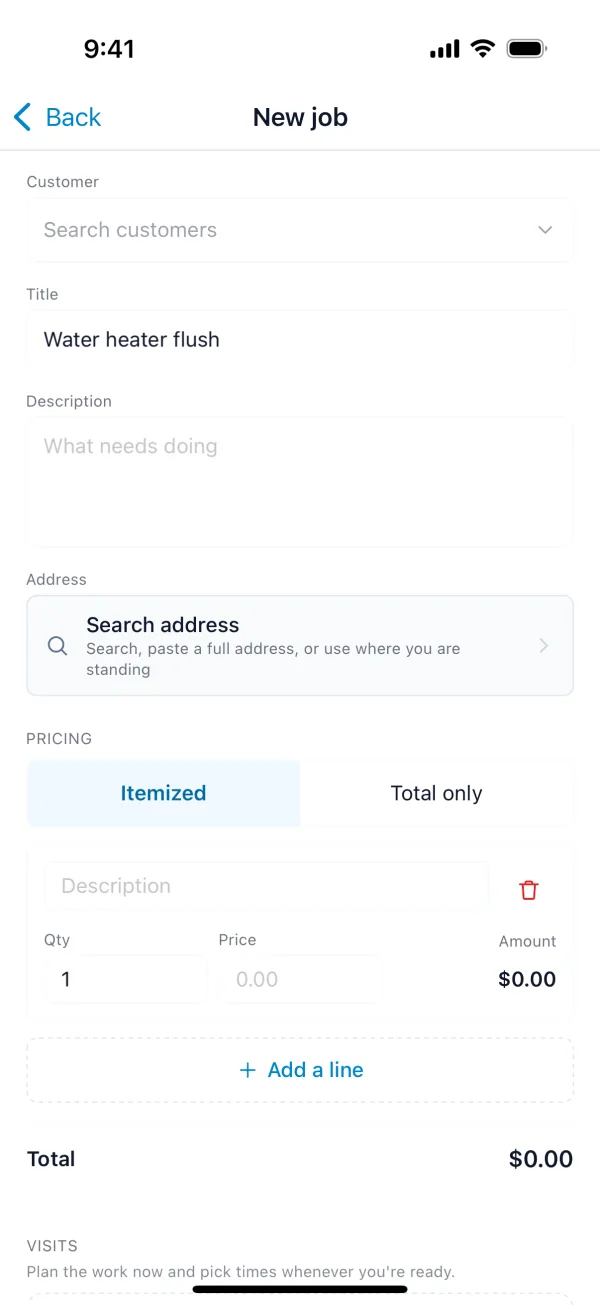
You don't need a connection. The job is saved on your phone and sent when you're back online.
Jobs also come from approved estimates (Create Job, in Customer approval) and from leads (Convert a lead).