Business details
Owners only
Web only
Customers see your business details on estimates, invoices and messages. Your time zone sets the times on your schedule, so set it before you book work.
- In the sidebar, click Settings.
- Under Business Information, fill in Business Name, Business Type, Phone, Email, Time Zone and your address.
- Click Upload logo to add your logo (PNG, JPG or WebP, up to 2 MB).
- Click Save Changes.
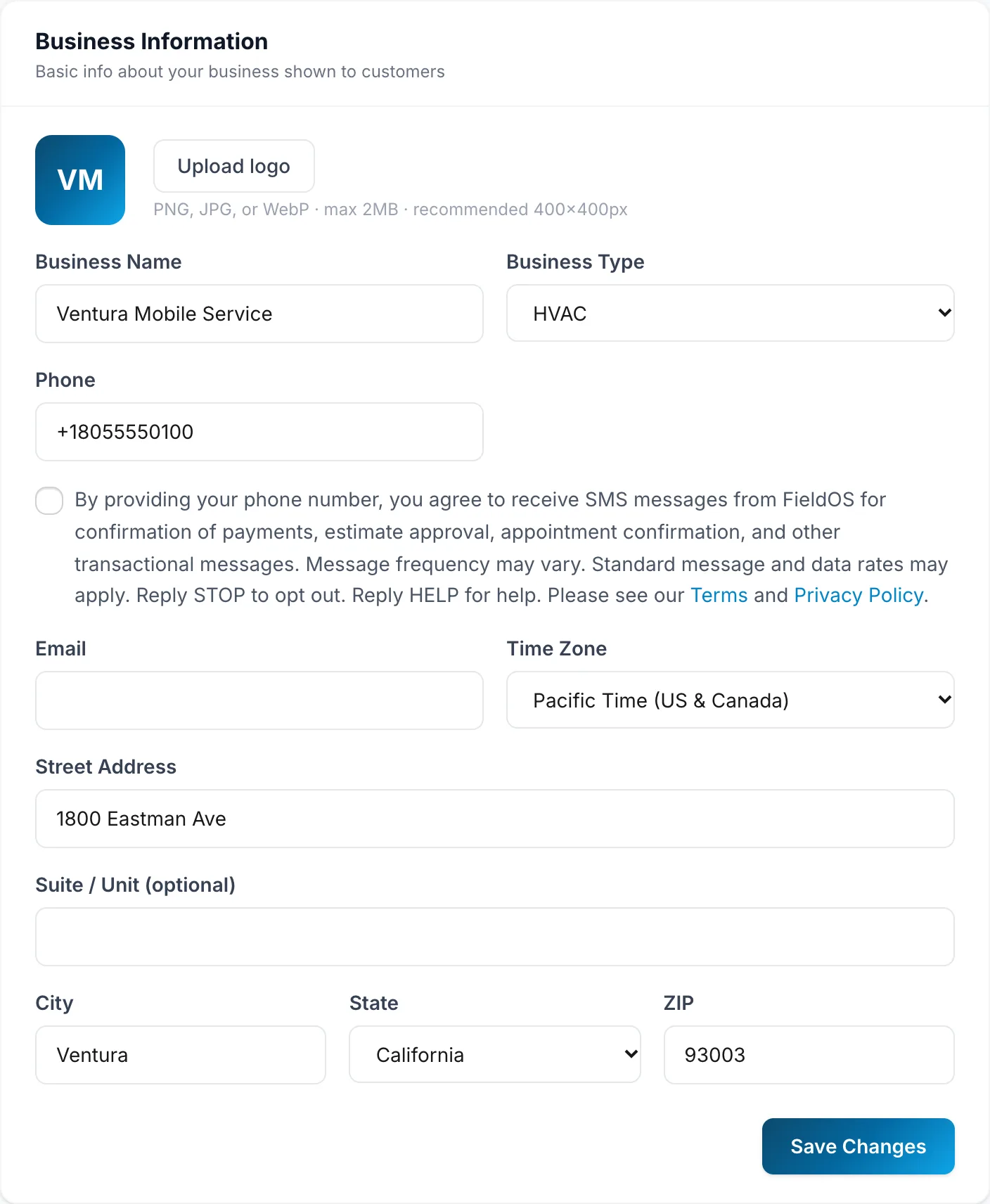
Picking a Business Type also adds common services for that trade, if you haven't added any yet. See Add your services.
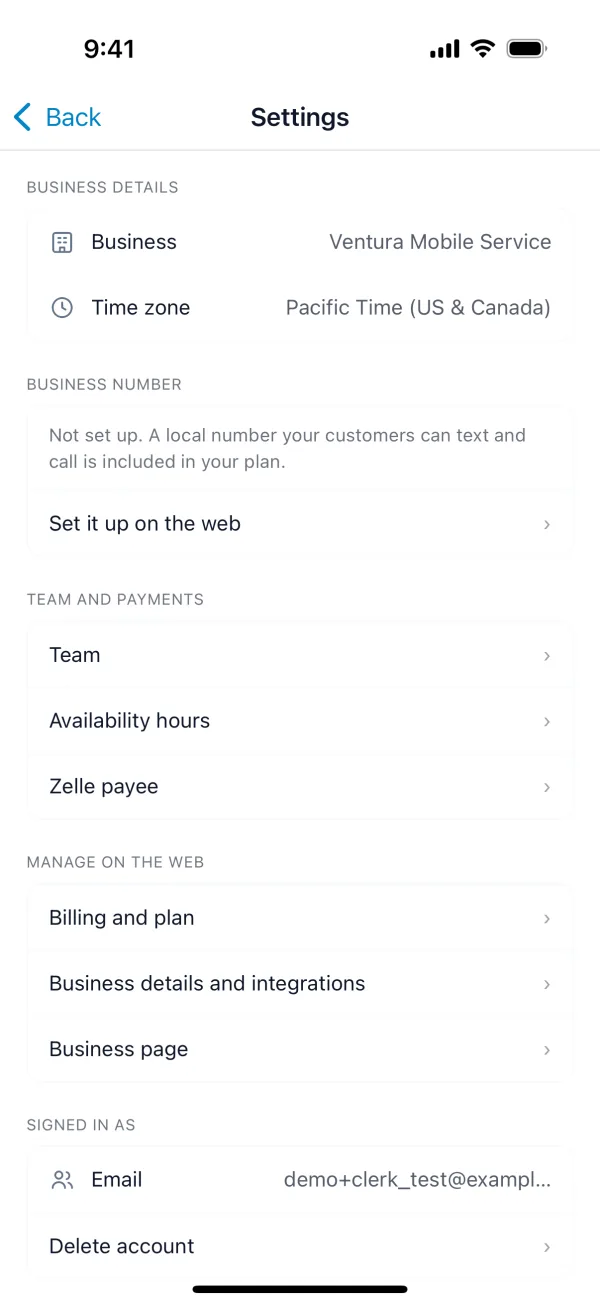
On your phone
More > Settings shows your business name and time zone. To change them, tap Business details and integrations, which opens this page on the web.