QuickBooks
Once QuickBooks Online is connected and set up, FieldOS sends it each invoice when the invoice is paid, along with:
- the customer: linked to the one already in QuickBooks with the same email, or the same name, or created if there isn't one,
- each line item: a line named like one of your services goes to that service's product/service in QuickBooks, and every other line to one called Services. The line's own description goes with it either way,
- any discount, as its own line,
- the payment, with how it was paid (card, Zelle, check, cash, transfer) and its reference, such as a check number or Square's payment ID.
Later payments, refunds and voids follow. Unpaid invoices aren't sent.
FieldOS never adds sales tax: everything is sent as non-taxable, so the total in QuickBooks is what your customer was charged.
Sending only goes one way. Changes made in QuickBooks don't come back to FieldOS.
Connect and set up
- In the sidebar, click Settings.
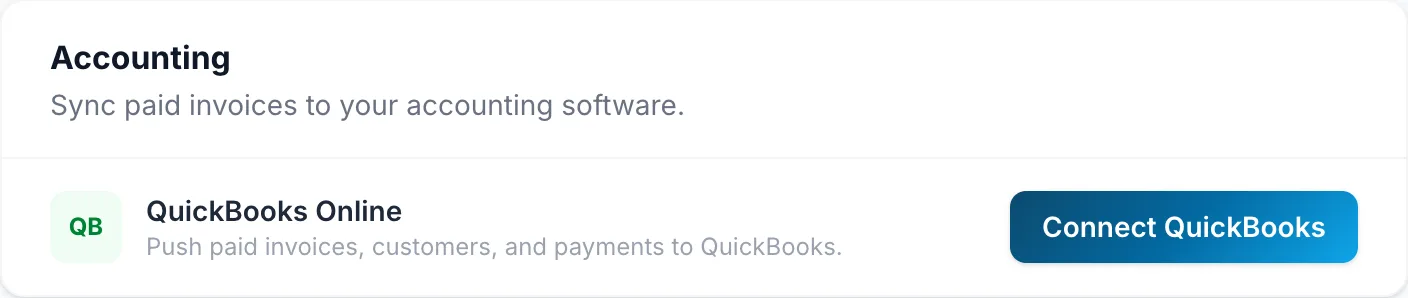
- Under Accounting, click Connect QuickBooks.
- Sign in to Intuit, choose your company, and allow access.
- Back in FieldOS, answer three questions, then click Start syncing:
- Send invoices paid on or after: today, unless you want earlier invoices sent too. Only choose an earlier date if those invoices aren't in QuickBooks already, or their income is counted twice.
- Income account: where income from your invoices is recorded. Services is chosen if you have it.
- Where payments go: usually Undeposited Funds, so you can group payments into the bank deposits you actually make.
Nothing is sent until you click Start syncing. Until then, Settings says Finish setting up QuickBooks. To change your answers later, click Settings under Accounting.
What happens to customers
When an invoice's customer is already in QuickBooks, with the same email or the same name, FieldOS links to them and never changes them: their details in QuickBooks are your bookkeeper's.
A customer FieldOS creates in QuickBooks is kept up to date. Change their name, email, phone or address in FieldOS and QuickBooks follows. If the name is already taken in QuickBooks, by a vendor for example, the customer is created as "Name (FieldOS)".
Check what's in QuickBooks
Each invoice that's been sent shows its QuickBooks status:
| It says | What it means | What to do |
|---|---|---|
| In QuickBooks | Sent. View opens it in QuickBooks. | Nothing. |
| Sending to QuickBooks… | On its way. | Nothing. |
| Not sent | Paid before your start date, or it has nothing to send. | Nothing. |
| Changed in QuickBooks | Someone edited it in QuickBooks, so FieldOS left their changes alone. Payments are still added. | If FieldOS's version is right, click Overwrite with FieldOS's version. |
| QuickBooks total is $X; FieldOS's is $Y | The totals don't agree. | Check the invoice in QuickBooks, then click Send again. |
| Couldn't send to QuickBooks | QuickBooks refused it, with its reason shown. | Fix what it says, then click Send again. |
Under Accounting, Settings shows how many invoices are in QuickBooks and how many need attention. Click that number to see them. Owners also get one email a day listing any that newly need attention. No email is sent on days when nothing's wrong.
Disconnect, reconnect or switch company
Click Disconnect under Accounting. Invoices stop being sent; nothing already in QuickBooks is removed. Connecting the same company again carries on where it left off, without sending anything twice.
If you connect a different QuickBooks company, FieldOS says so. Invoices already sent to the old one stay there, and setup starts again for the new one.
If Settings says Needs to be reconnected, the connection expired or was removed in QuickBooks. Click Reconnect.