Automatic customer messages
Owners only
Web only
FieldOS can send three messages without you lifting a finger. Turn each on or off in Settings under Notifications & Automation, then click Save Notifications.
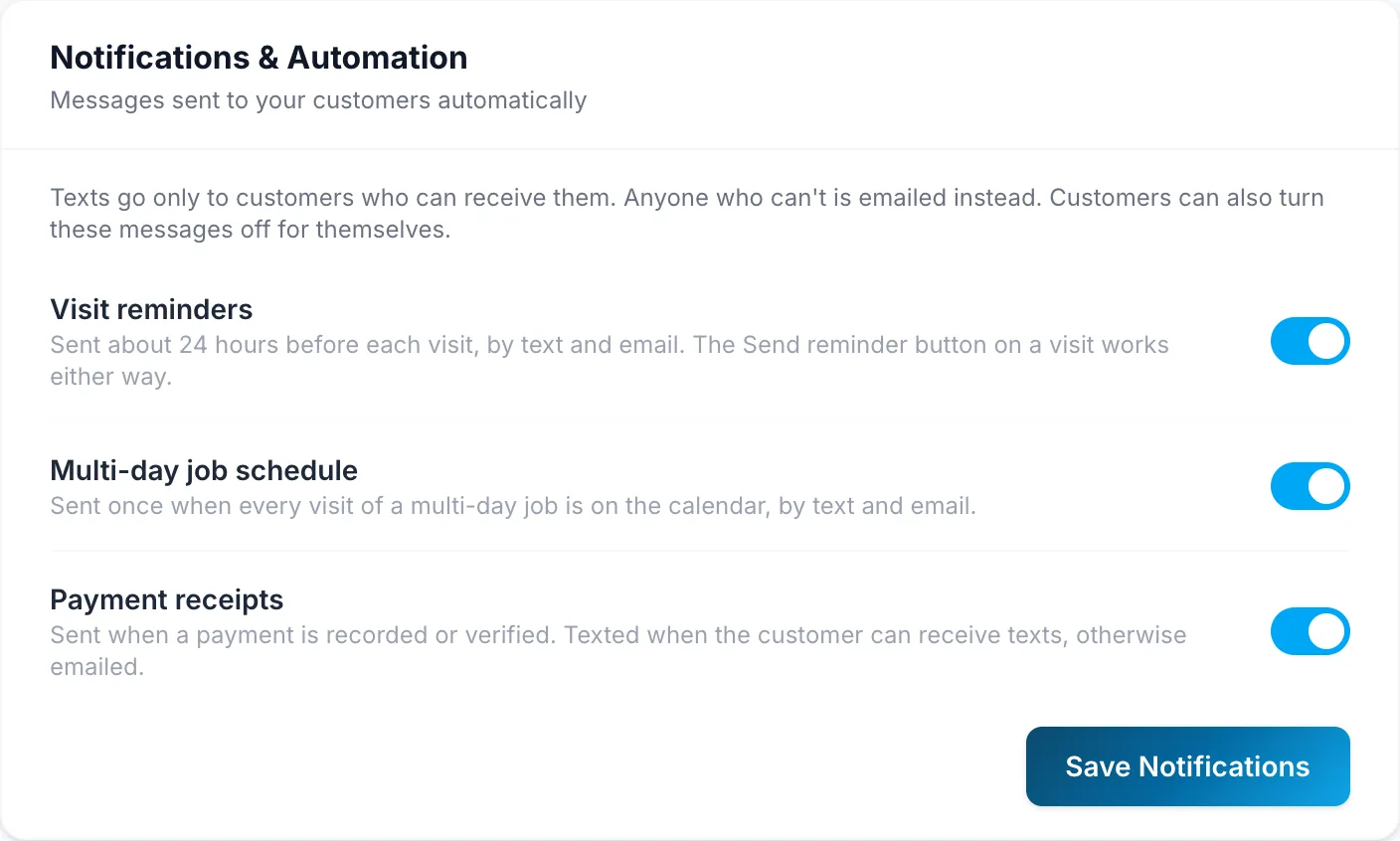
- Visit reminders: about 24 hours before each visit. The Send reminder button on a visit still works when this is off.
- Multi-day job schedule: once, when every visit of a multi-day job is on the calendar.
- Payment receipts: when a payment is recorded or confirmed.
Reminders and schedules go out on Starter and up; receipts go out on every plan. Each message is texted to customers who can receive texts and emailed to everyone else. Customers can also turn these messages off for themselves.
Messages you send yourself, like estimates, invoices and texts, aren't affected by these settings.