Your request form
Starter and up
Owners only
Web only
Your request form is a page customers fill in to ask for work. Every request lands in Leads with what they need and how to reach them.
- In the sidebar, click Settings and go to Request Form.
- Share it however suits you:
- Your request form link: click Copy and paste it into texts, emails or social posts.
- QR code: click Download and print it on your truck or a yard sign.
- Embed on your own website: copy the one line of code into your site. It works on Wix, Squarespace, WordPress, GoDaddy or any HTML page.
- Choose whether to Ask for a service address and Ask how they heard about you, write a Thank-you message, and click Save.
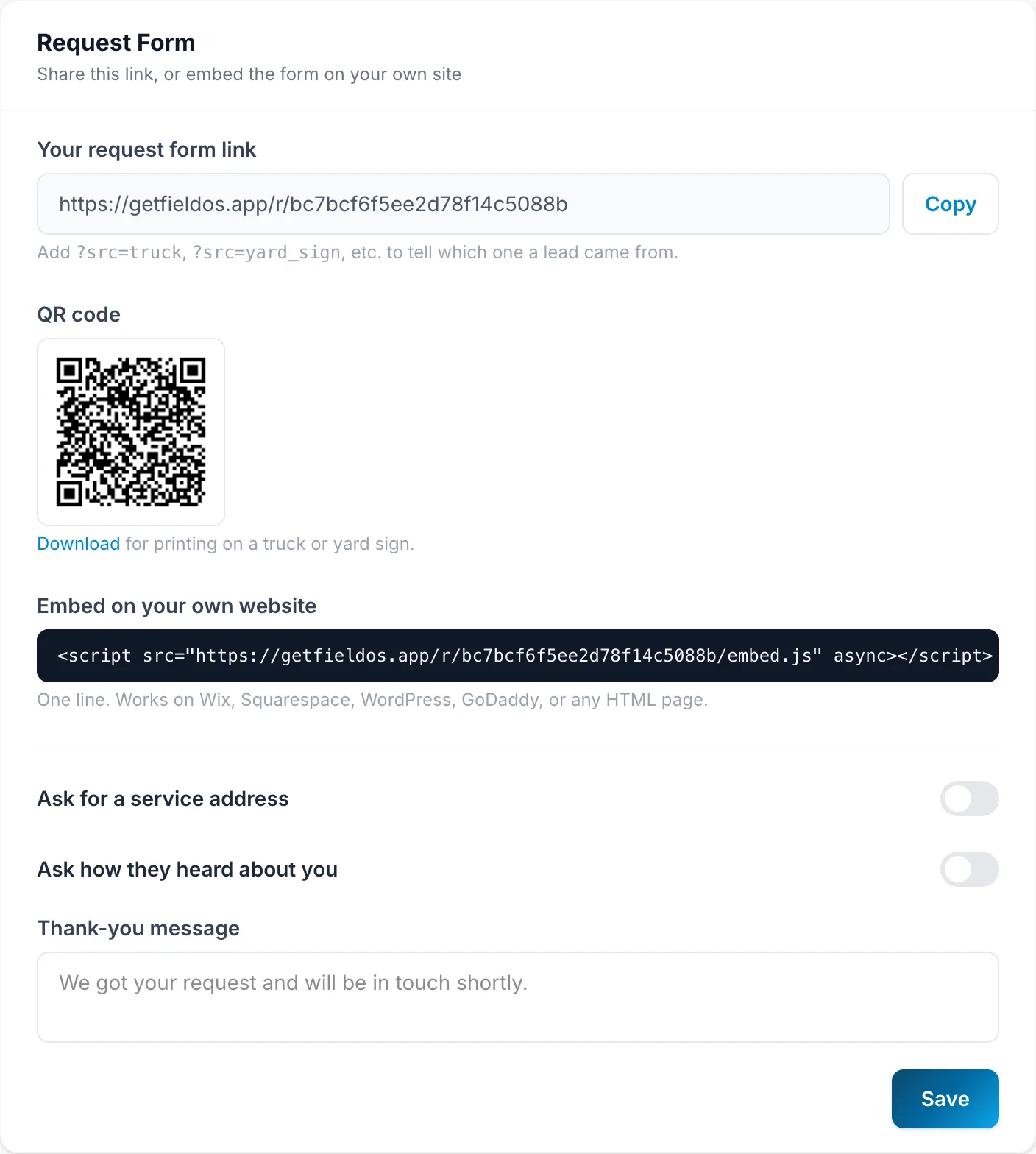
To see which link a lead came from, add ?src=truck, ?src=yard_sign or
similar to the end of the link you share.
The services listed on the form come from Add your services.