Capture a lead
A lead is someone who has asked about work but isn't a customer yet. Leads from your lead form and business page arrive by themselves. Add the rest yourself, while you still have the caller on the line.
A lead needs a phone number or an email, so you can get back to them. Everything else is optional.
-
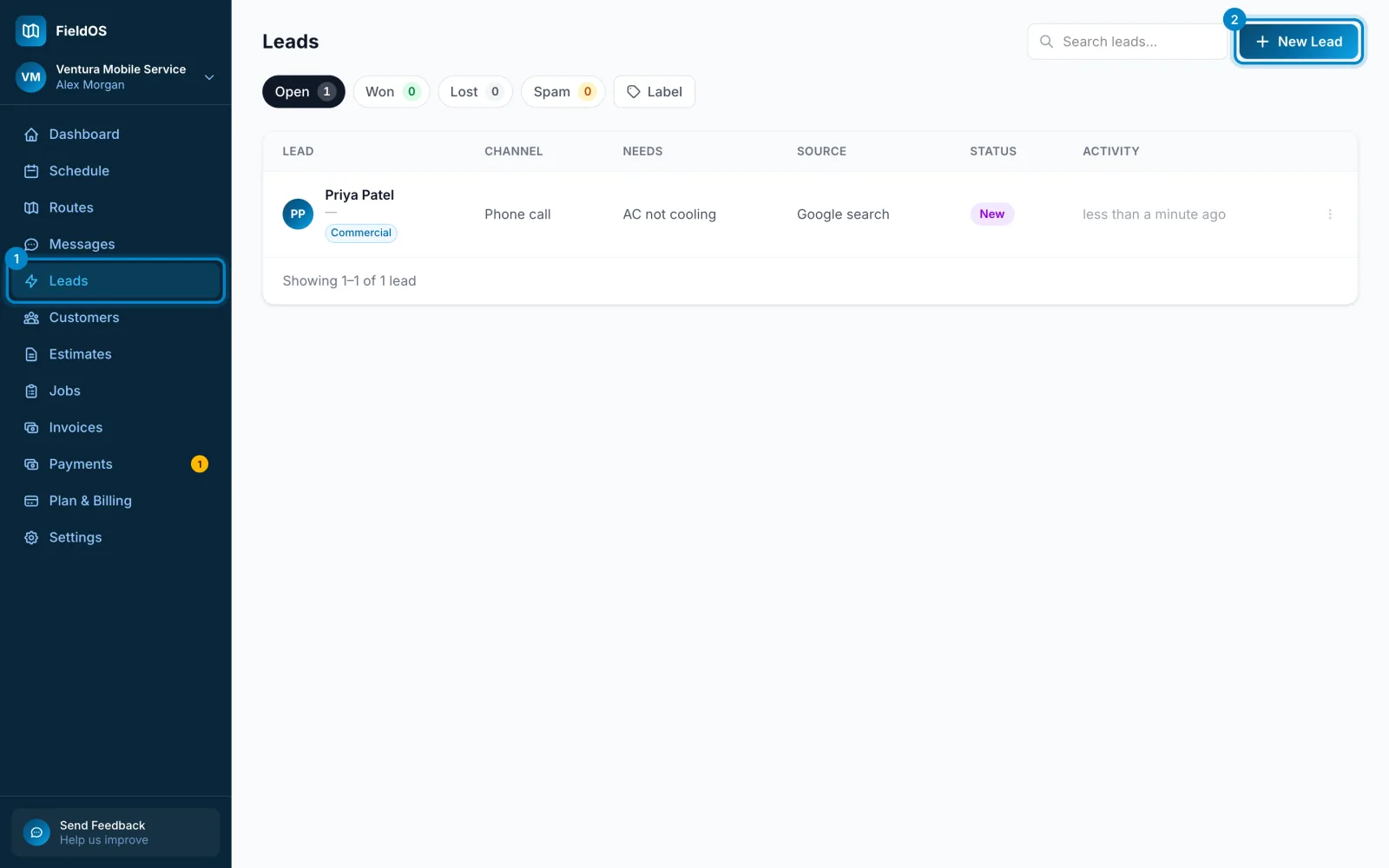
In the sidebar, click Leads.
-
Click New Lead.
-
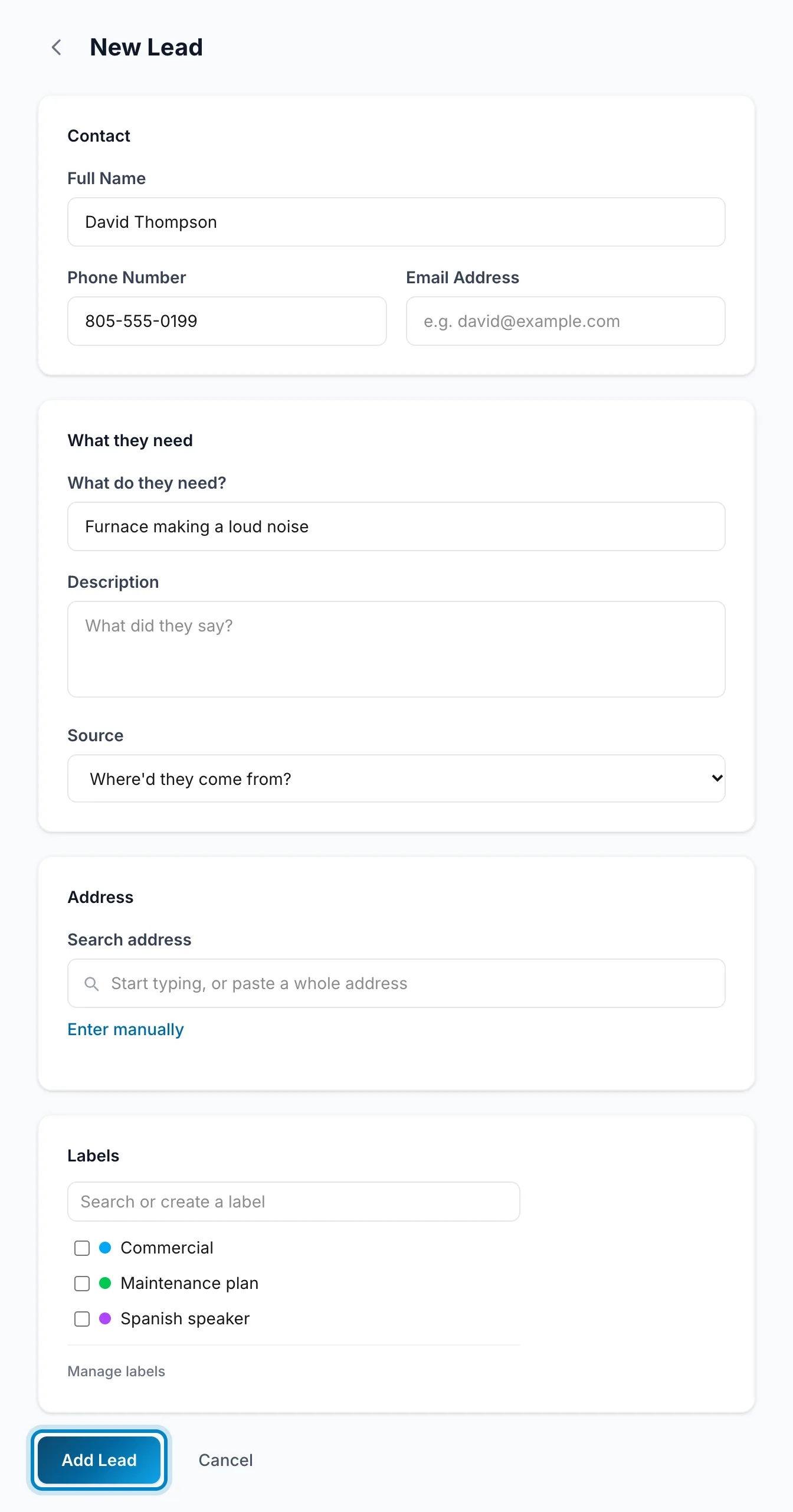
Fill in Full Name, Phone Number or Email Address, and What do they need?
-
Pick a Source if you know how they found you. It shows which of your marketing brings in work.
-
Click Add Lead.
-
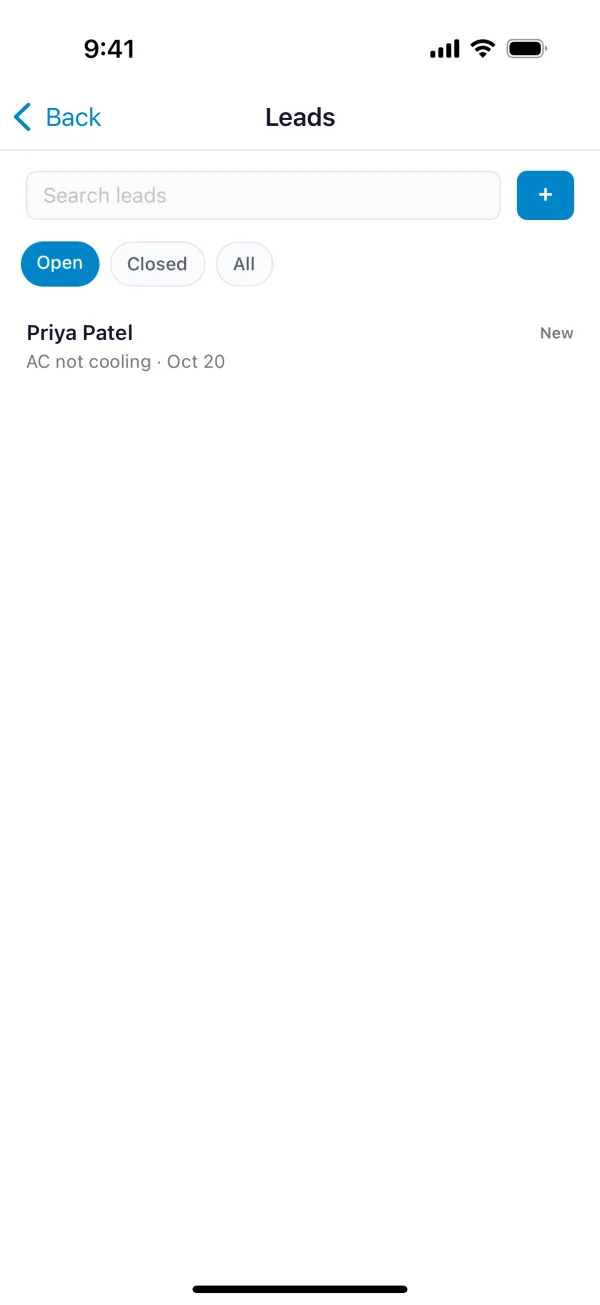
Tap More, then Leads.
-
Tap +.
-
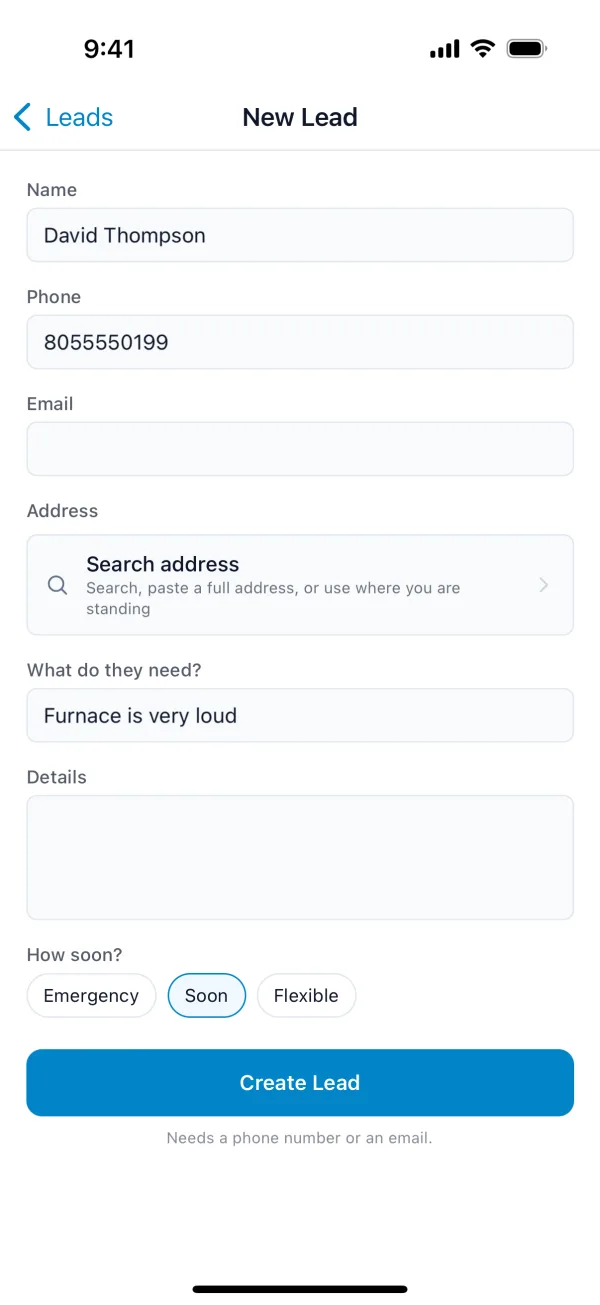
Fill in Name, Phone or Email, and What do they need?
-
Choose How soon? if they told you.
-
Tap Create Lead.
You don't need a connection. The lead is saved on your phone and sent when you're back online.
The lead is added to your open leads. When you're ready to quote or book the work, open it and convert it to a customer.