Install the phone app
Phone only
FieldOS for iPhone is in testing, so it installs through Apple's TestFlight app rather than the App Store. There's no Android app yet.
Do these steps on your iPhone:
-
Install TestFlight from the App Store.
-
Open getfieldos.app in Safari and sign in.
-
On your dashboard, tap Install on iPhone. It opens TestFlight.
-
Tap Accept, then Install.
-
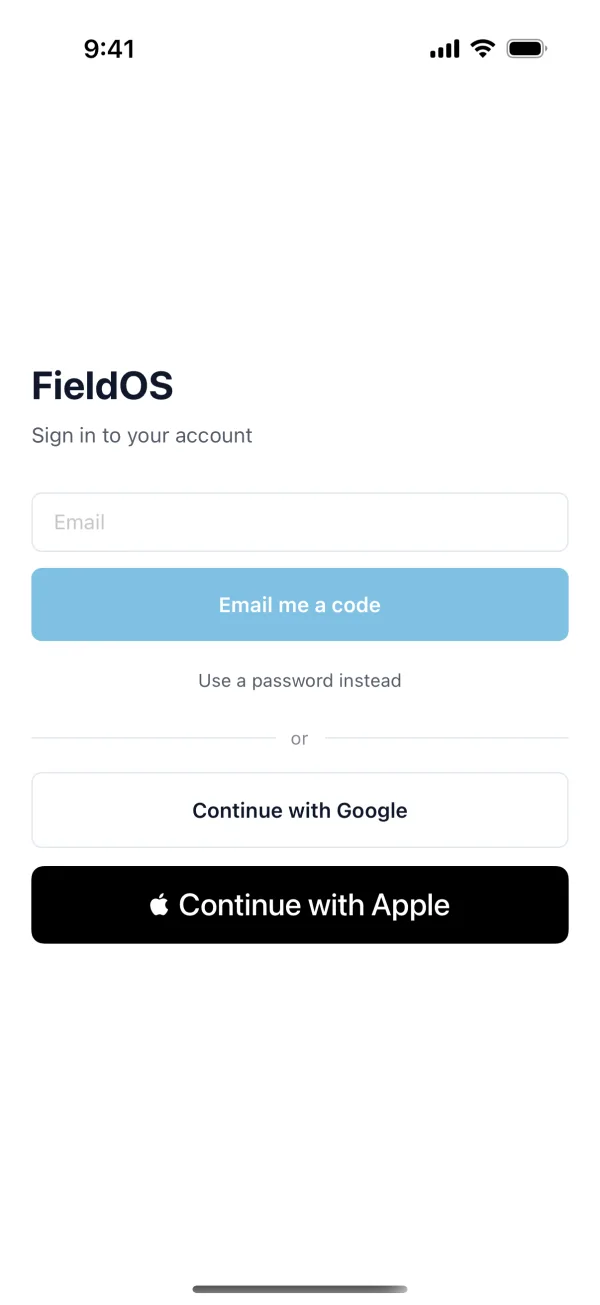
Open FieldOS and sign in with the email you use on the web.
Closed the banner? Open the TestFlight link on your iPhone instead.
TestFlight tells you when there's a new version. Install it when it does: test versions stop working after 90 days.