Discounts
Web only
An invoice can have one discount on its total: a fixed amount or a percentage. The customer sees it, and your description, on their invoice.
- Open the invoice and click Edit.
- Click Add discount, above the total.
- Enter the amount, choose $ or %, and add a description such as "Returning customer".
- Click Save (or Save and send).
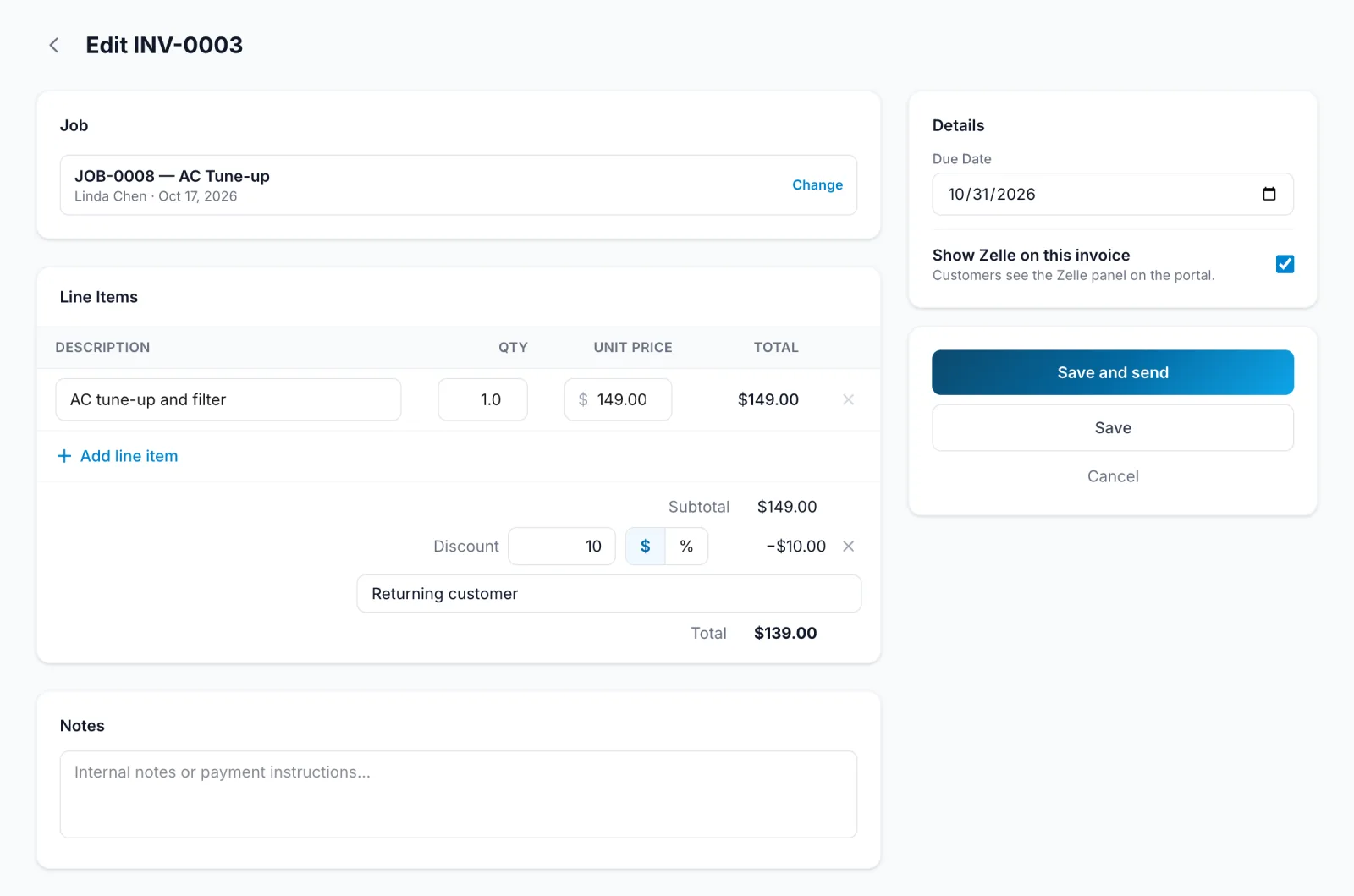
The ✕ next to the discount removes it. Deposits and progress payments can't be discounted; discount the final invoice instead.
On the phone, the invoice editor has the same discount option.