Two-way texting
Pro and up
Texts you send from FieldOS, and your customers' replies, stay with the customer, so anyone on your team can pick up the conversation.
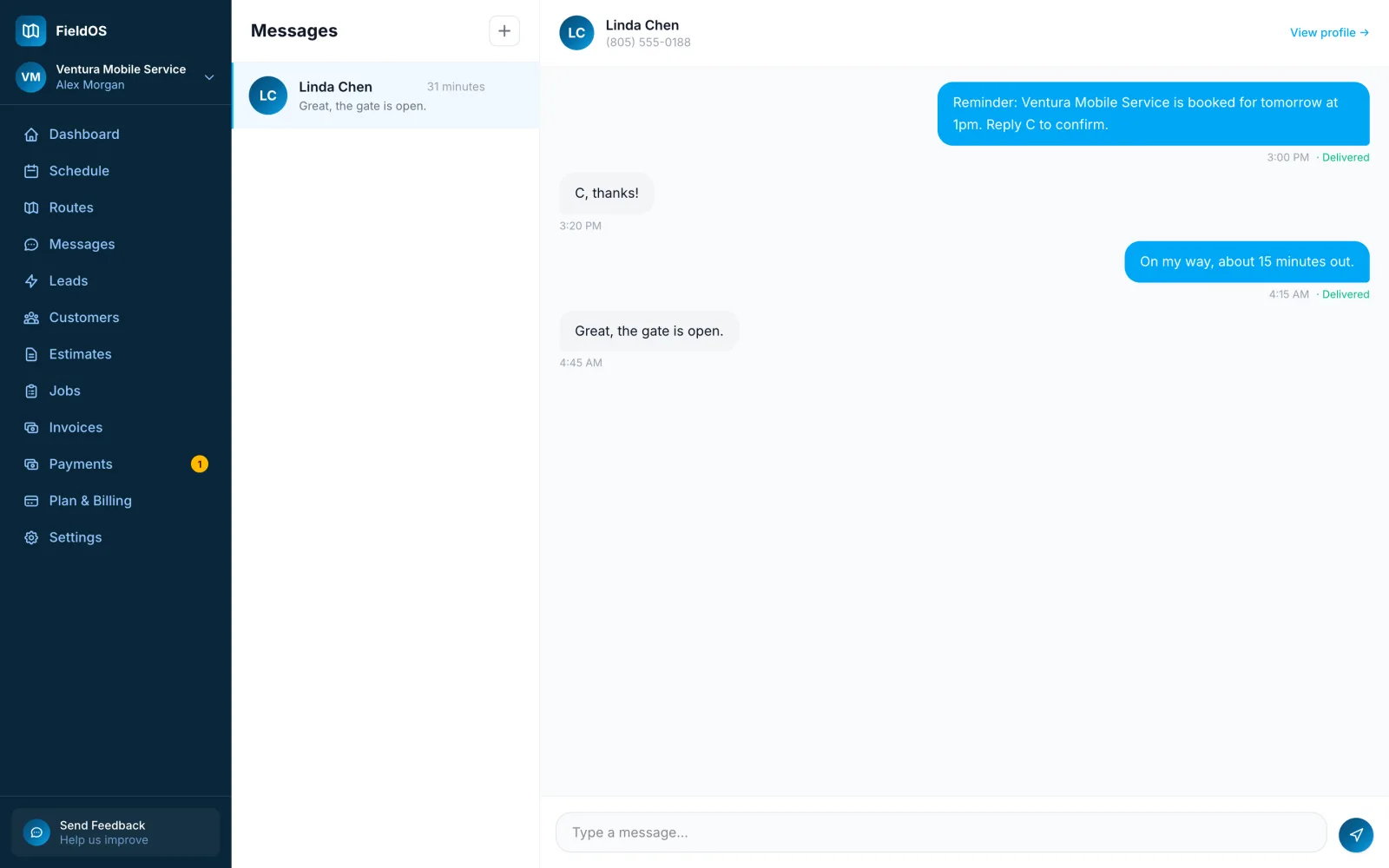
- Open the customer and click Message, or click Messages in the sidebar and pick a conversation.
- Type in Type a message… and press the send button.
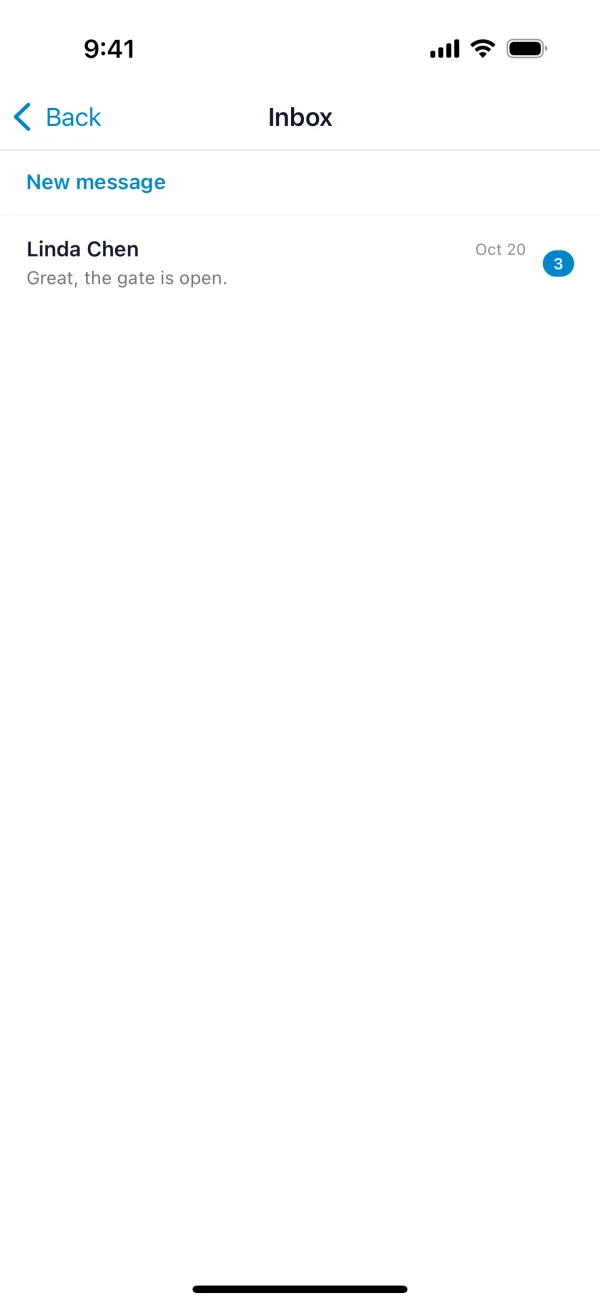
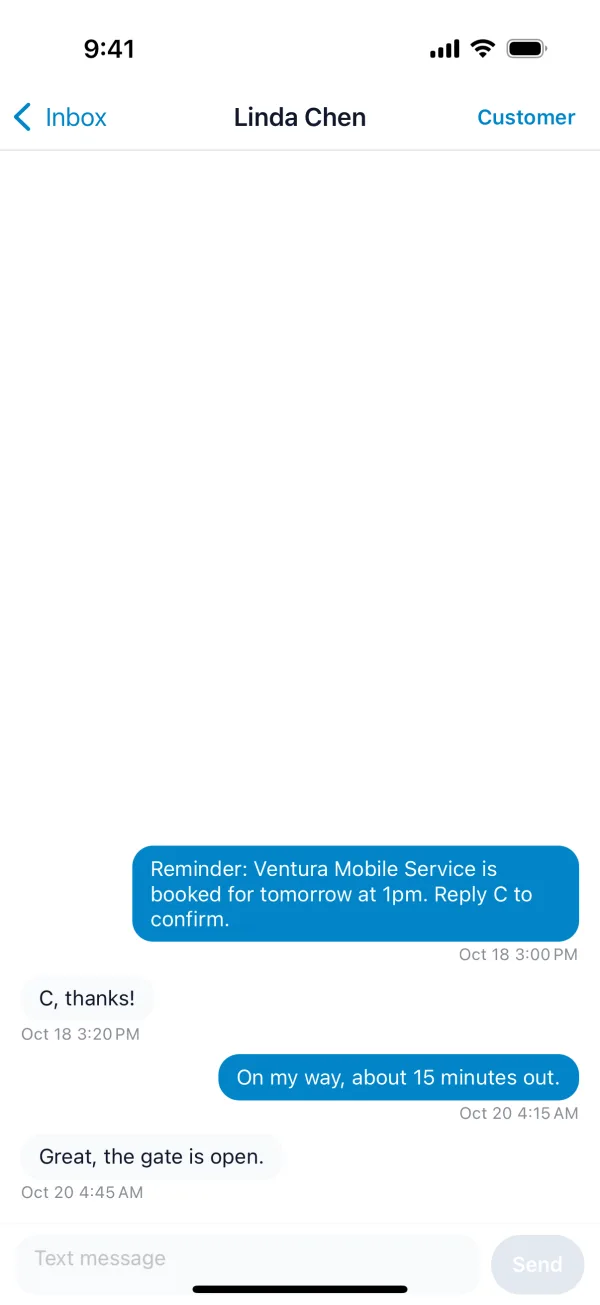
- Tap More, then Inbox, and open a conversation. To start one, tap New message and pick the customer, or tap Message in FieldOS on a customer's screen.
- Type in Text message and tap Send.
Sending a text needs a connection.
When a customer replies, everyone on your team gets a notification on the phone app. A customer who replies STOP stops getting texts from you, and FieldOS won't send them any until they reply START.
On plans without two-way texting, Message on a customer opens your own texting app instead.