Start and complete a job
A job moves from Scheduled to In progress to Completed. Your schedule and dashboard use its status to show what's happening today.
- Open the job.
- Click Start Job when you begin.
- Click Complete Job when the work is done.
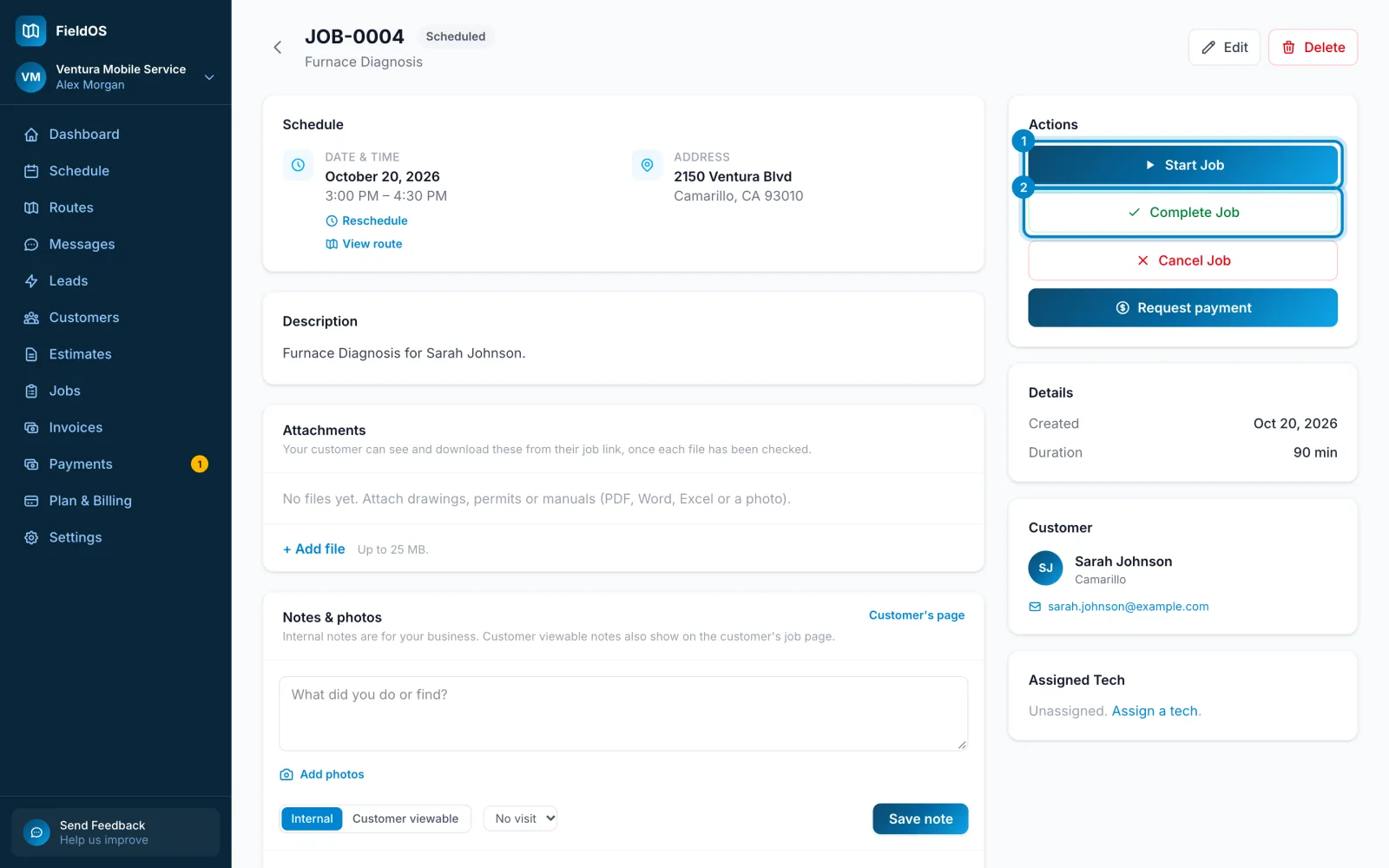
- Open the job and scroll to the buttons at the bottom.
- Tap Start job when you begin, and Complete job when you're done.
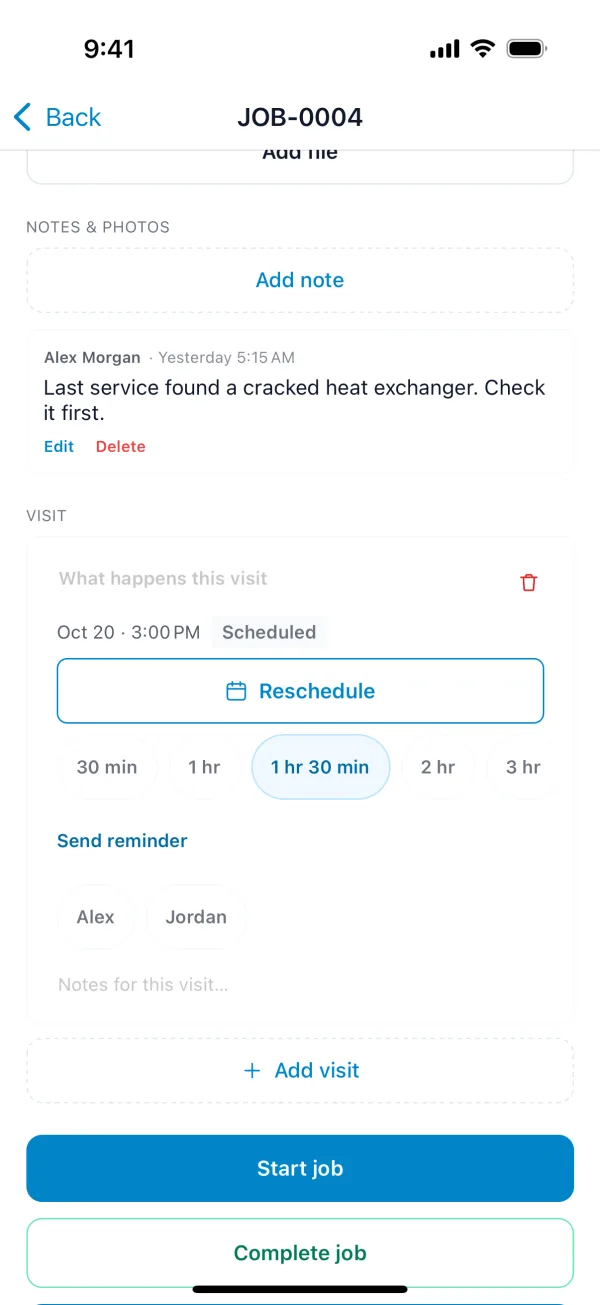
You don't need a connection. The change is saved on your phone and sent when you're back online.
Completed a job by mistake? Reopen Job puts it back. Cancel Job is for work that isn't going ahead.