Card payments with Square
Starter and up
Owners only
Web only
FieldOS takes card payments through your own Square account. Money goes straight to Square, at Square's rates; FieldOS adds no fee.
- In the sidebar, click Settings and go to Payment Providers.
- Click Connect Square.
- Sign in to Square and allow FieldOS to take payments.
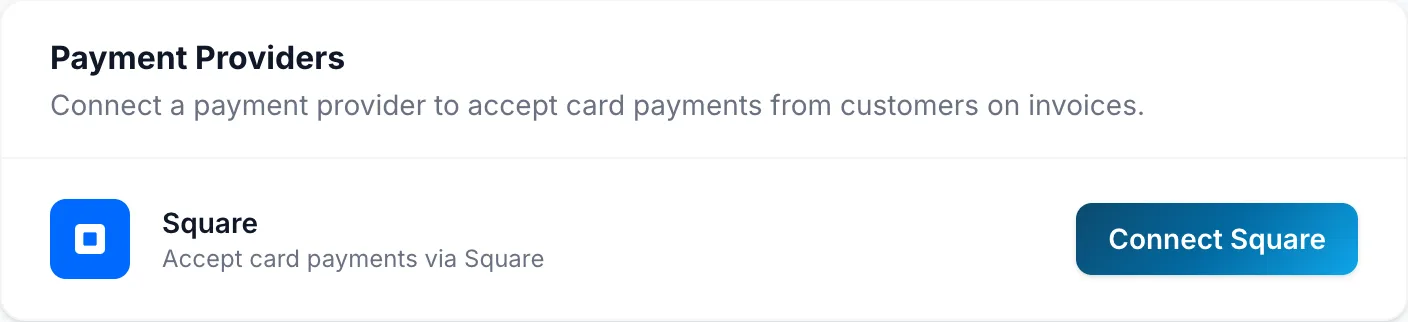
Once Square shows Connected, every invoice link offers Pay by card. Disconnect stops card payments.
Card payments are on Starter and up. If your plan changes to Free, invoices stop offering Pay by card and Settings shows Square as Off on your plan. You can still refund card payments you've already taken.