Convert a lead
Starter and up
When a lead is ready to book, convert it. FieldOS creates the customer from the lead's details and, if you like, the job or estimate too.
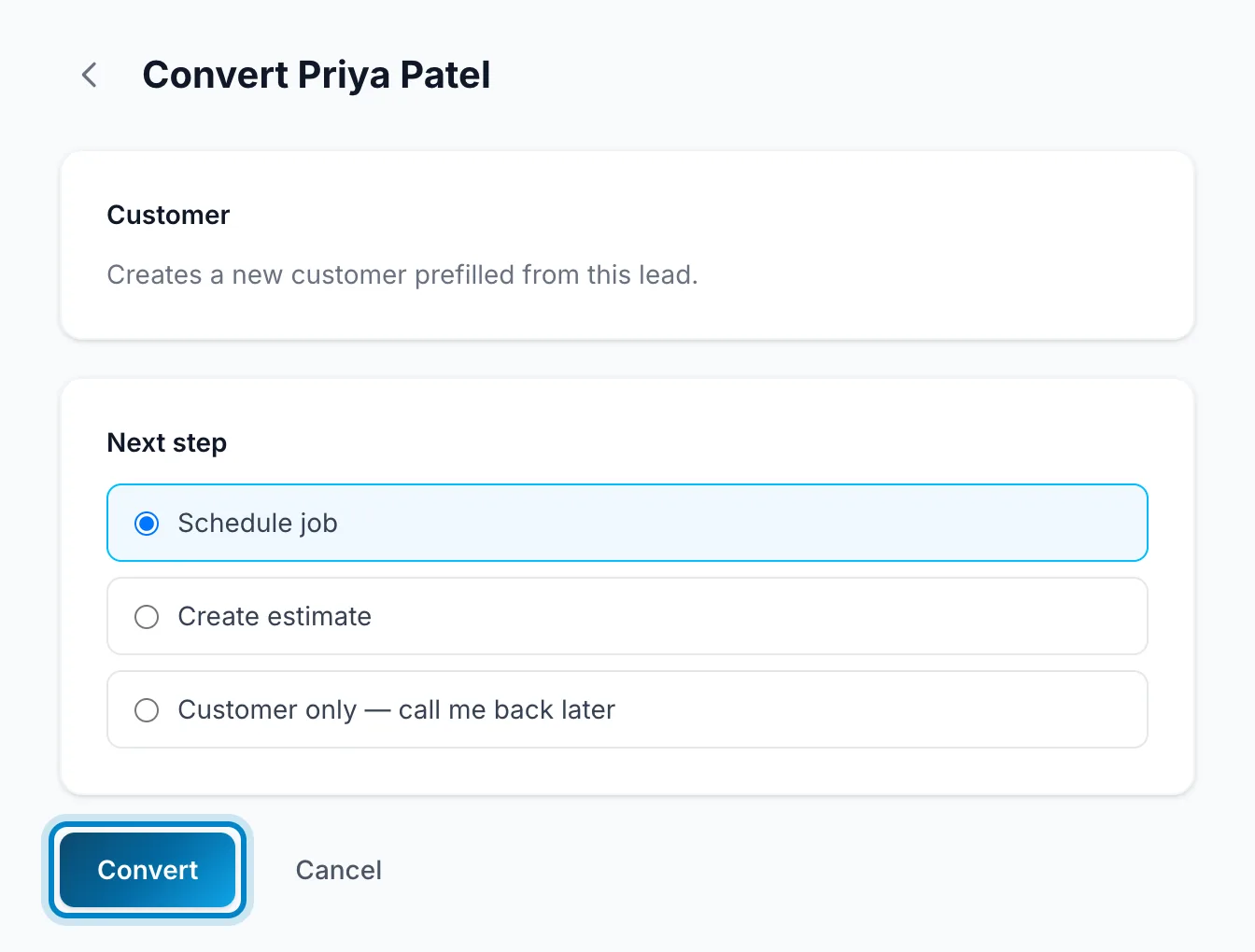
- Open the lead and click Convert.
- Under Next step, choose Schedule job, Create estimate, or Customer only if you'll get back to them later.
- Click Convert.
FieldOS opens the new job or estimate, ready to fill in.
-
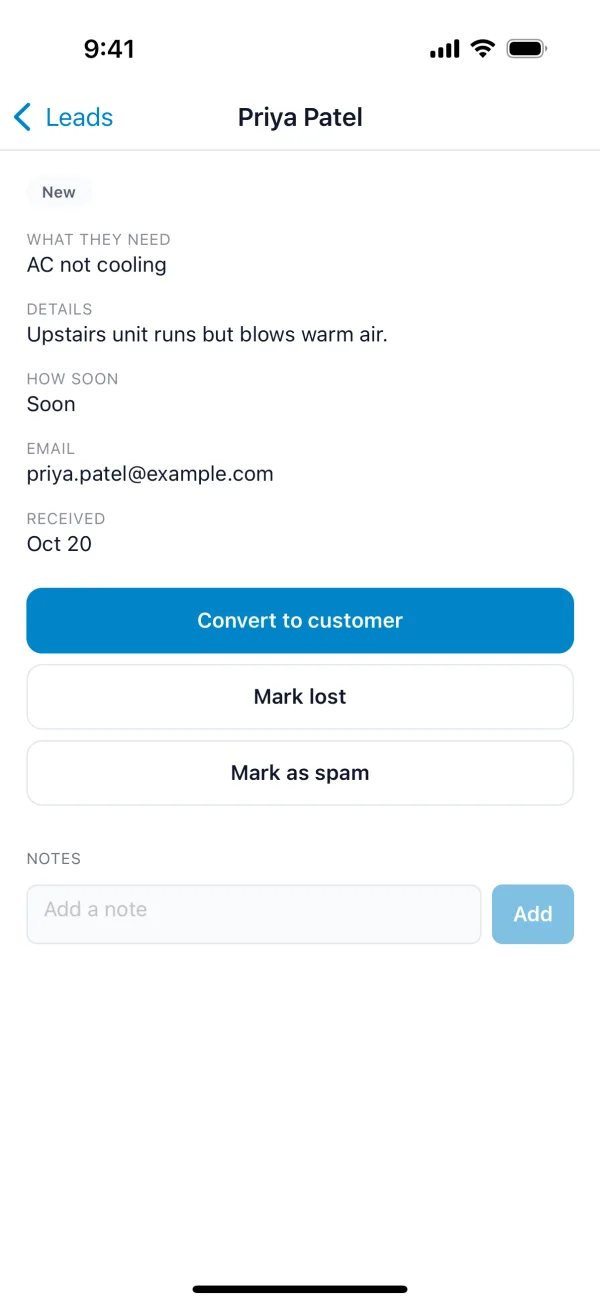
Open the lead and tap Convert to customer.
-
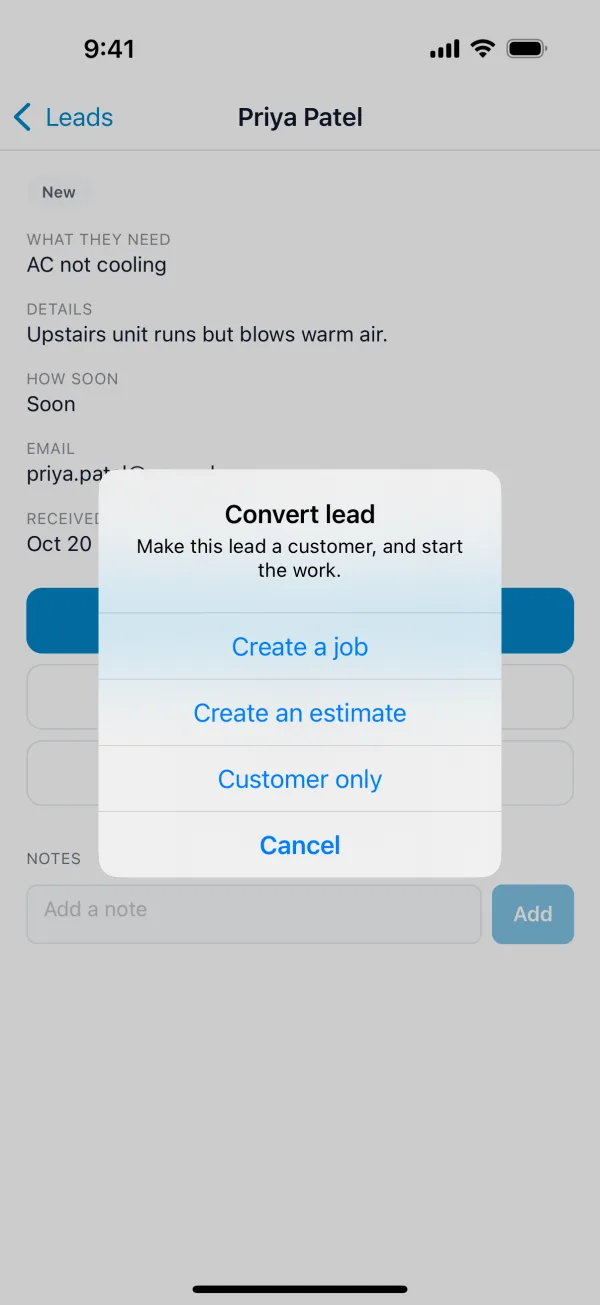
Choose Create a job, Create an estimate or Customer only.
The customer gets the lead's labels, and keeps any of their own.
A lead that won't turn into work can be closed instead: Mark lost (you'll pick a reason) or Mark spam. Reopen brings it back.