Add your services
Owners only
Web only
Your services appear on your request form, so customers can say what they need, and FieldOS uses them to sort incoming leads.
When you pick a business type in Business details, FieldOS starts you off with that trade's common services. Change them to match what you actually do.
- In the sidebar, click Settings.
- Go to Services You Offer.
- To add one, type its name in the empty box at the bottom and click Add.
- To change one, edit its name or helper text and click Save on that row.
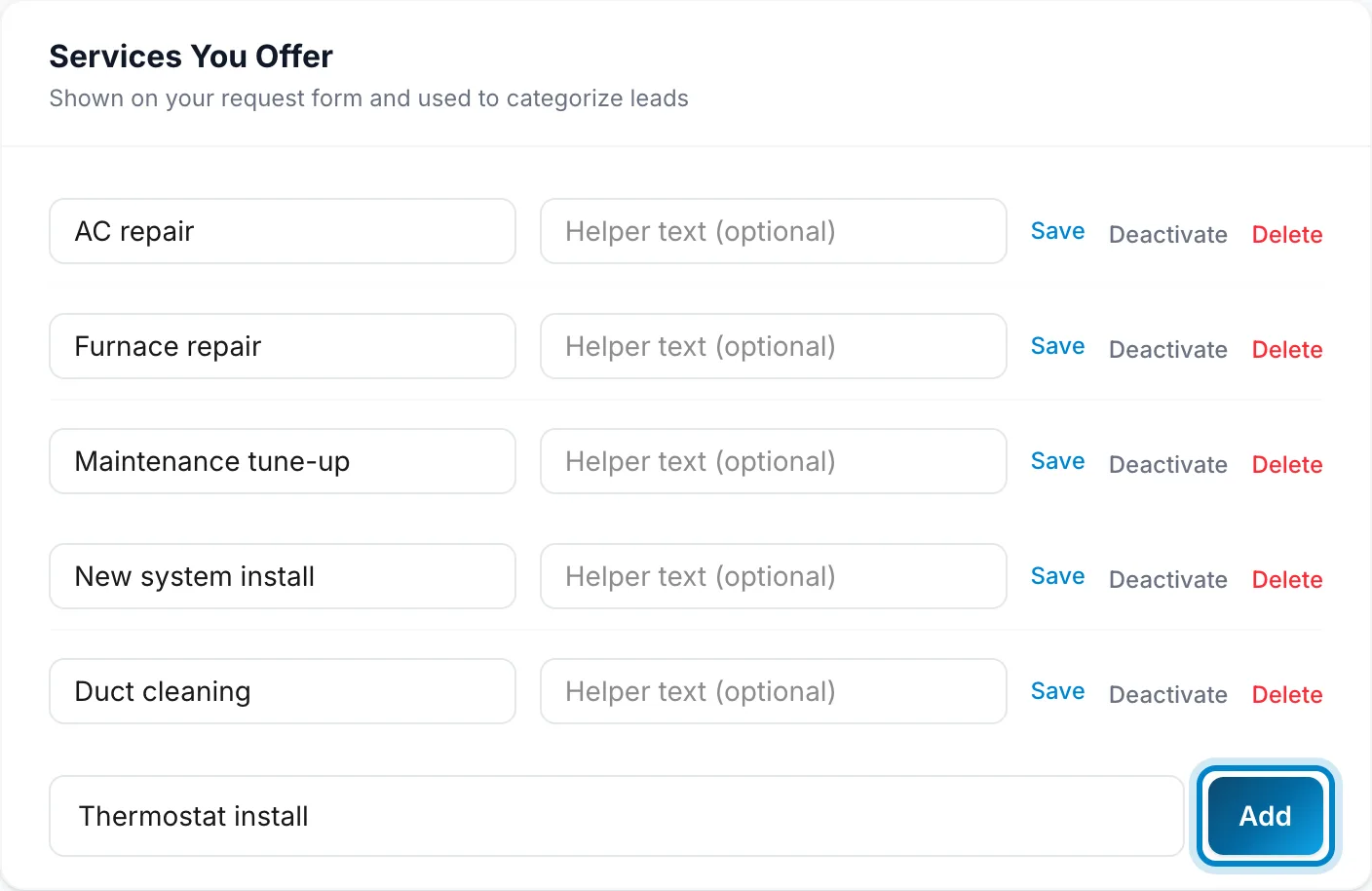
Deactivate hides a service without deleting it, and Activate brings it back. Delete removes it.