Job notes and photos
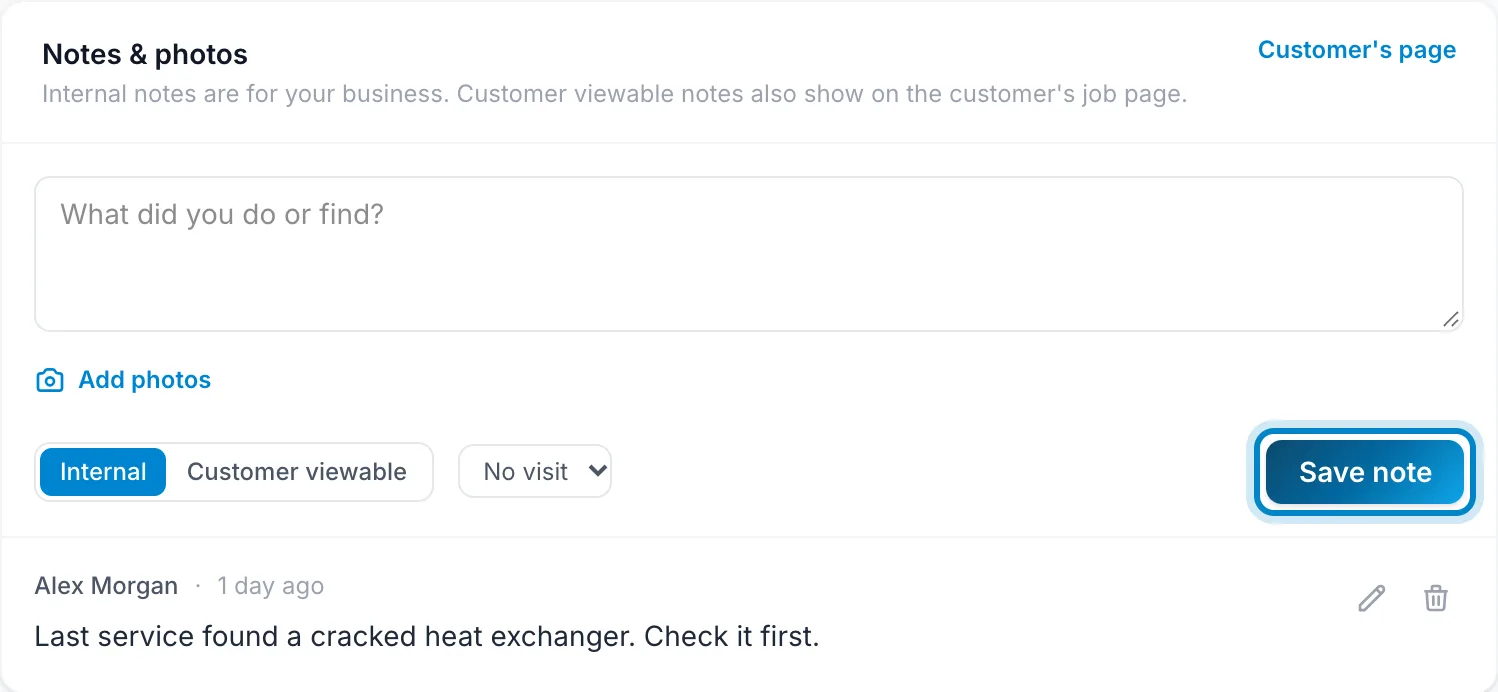
Each note is either Internal, for your business only, or Customer viewable, which also shows on the customer's job page. You can tie a note to one visit. Adding photos to a note is on Starter and up.
- On the job, type in Notes & photos.
- Click Add photos to attach pictures.
- Choose Internal or Customer viewable, pick a visit if it's about one, and click Save note.
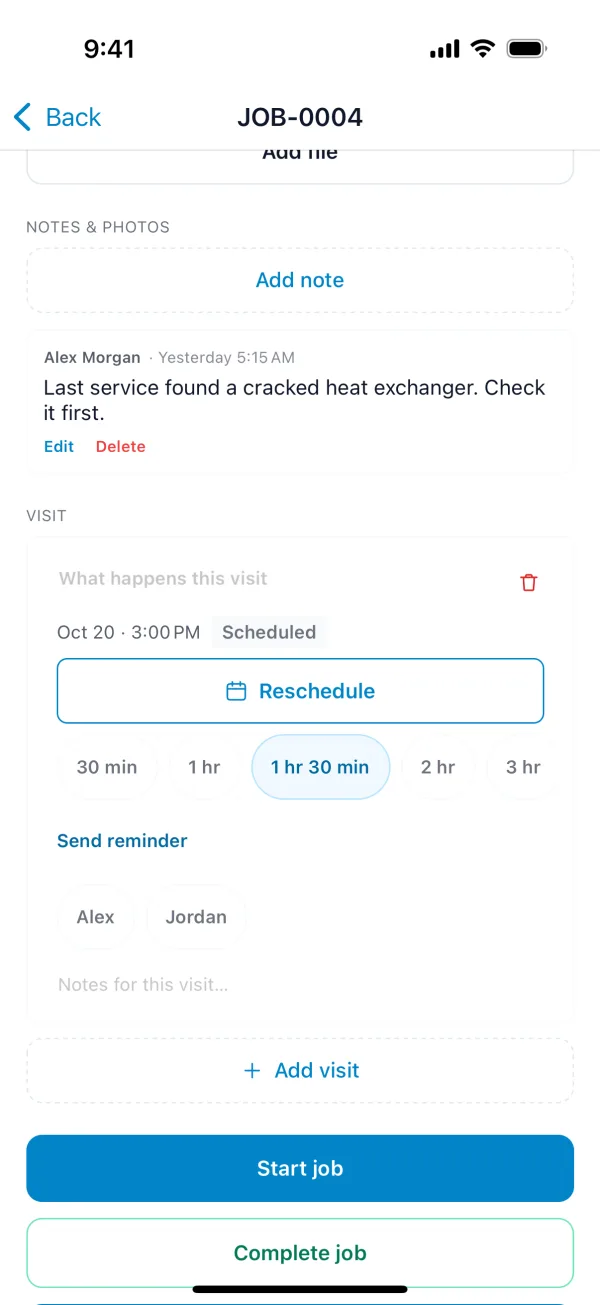
- On the job, tap Add note.
- Type the note, add photos from your camera or library, and choose Customer viewable if the customer should see it.
You don't need a connection. Notes and photos are saved on your phone and sent when you're back online.
Files the customer should have, like manuals or permits, go under Attachments on the job instead.