Google Calendar
Connecting Google Calendar does three things:
- Your visits go on your calendar. Each scheduled visit becomes an event with the job and address. It moves when you reschedule the visit and is removed when you cancel it. Every visit of a recurring job is its own event, so moving one week changes only that week.
- Changes you make in Google Calendar come back. Drag a visit's event to another time and the visit is rescheduled in FieldOS, just as if you'd moved it there; your customer hears about the new time the usual way. Delete the event and the visit is unscheduled: it stays on the job without a time, so it shows as needing one. Visits that are under way, done or canceled keep their time.
- Your busy times show in FieldOS. Events on the connected calendar and on your other Google calendars appear on your schedule, and Find a time avoids them, so you don't book work over a dentist appointment. Your FieldOS visits and events marked Free don't count.
FieldOS keeps the event's title, description and location up to date, so edit those in FieldOS. Changes in Google usually arrive within seconds.
Connect
- In the sidebar, click Settings.
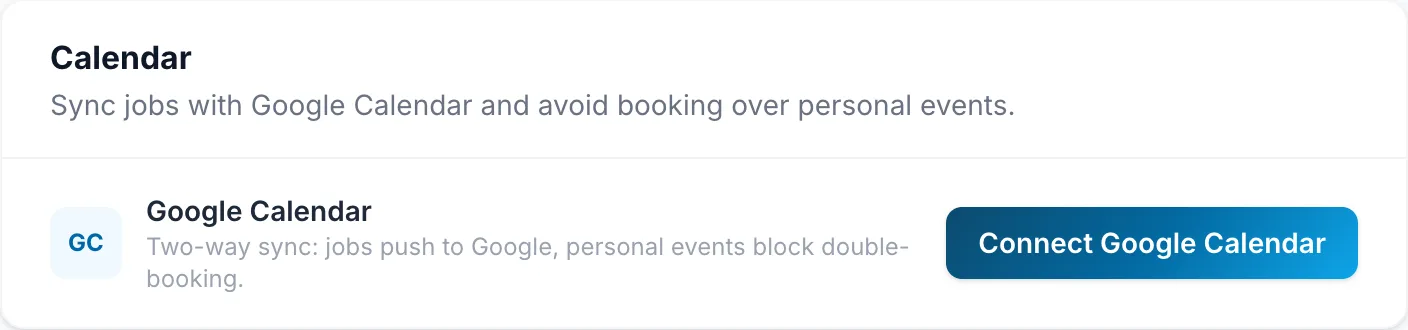
- Under Calendar, click Connect Google Calendar.
- Sign in to Google and allow FieldOS access.
Google lists what FieldOS asks for. Leave every box ticked: without them, FieldOS can't put visits on your calendar.
Your upcoming visits are added to the calendar straight away.
If your Google account has more than one calendar, choose which one under Sync jobs to and click Change. Events move to the new calendar. Only calendars you own are listed.
FieldOS connects one Google Calendar for the whole business, so every scheduled visit goes on it, whoever it's assigned to.
Disconnect
Click Disconnect under Calendar. Visits stop syncing.
Reconnect
If Settings says Needs to be reconnected, FieldOS can't reach your calendar: access expired or was removed in Google, or the connection was made before FieldOS synced both ways. Nothing syncs until you reconnect. Owners get an email when this happens, and it's listed under Needs Attention on the dashboard.
Under Calendar, click Reconnect and allow everything Google asks for. Your visits go back on the calendar straight away.