Routes
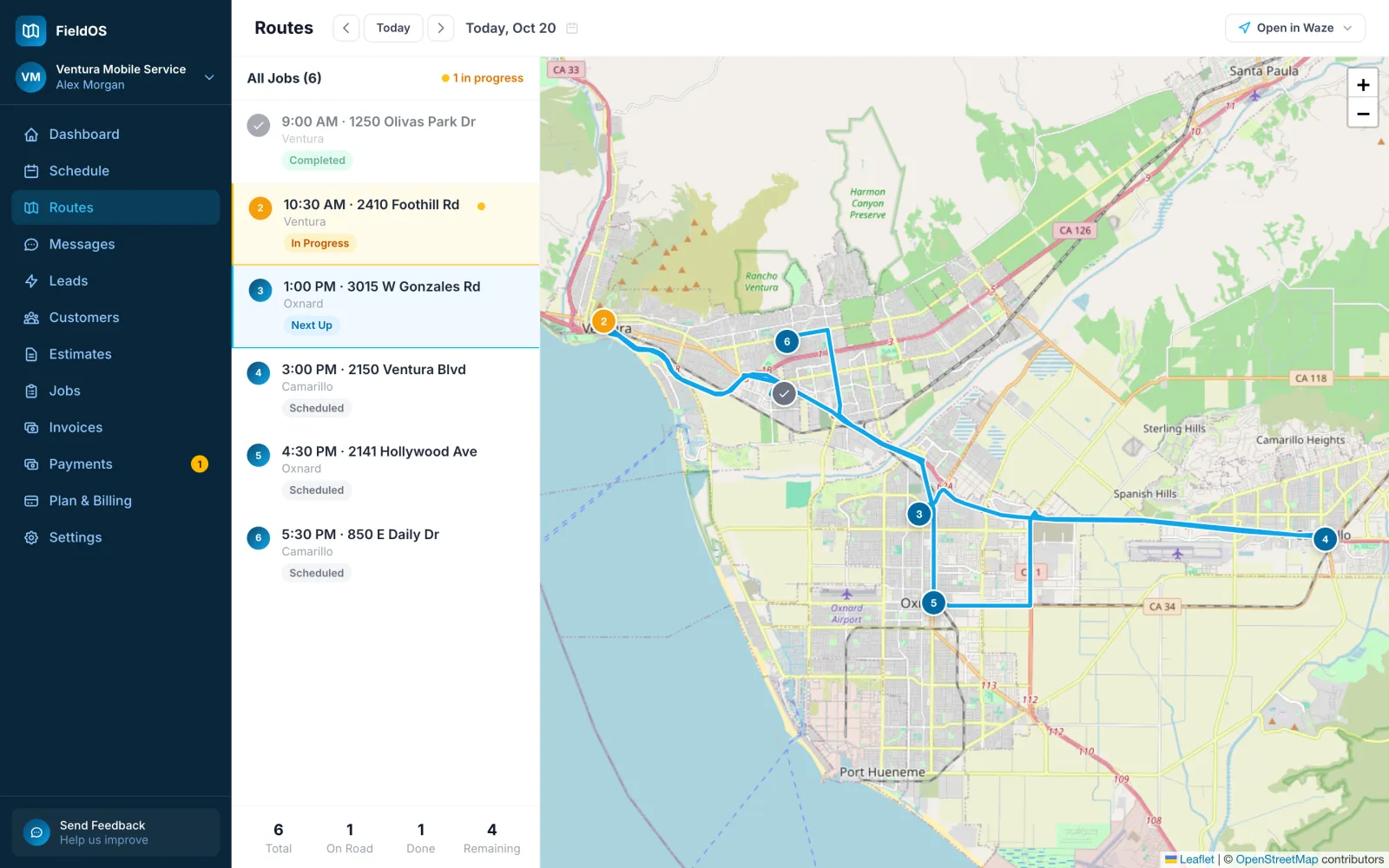
Routes lists a day's visits in the order you'll drive them, with each stop on the map and how many are done and left.
- In the sidebar, click Routes.
- Use the arrows or Today to pick the day.
- Click Open in Waze to navigate the route, or the Waze link on one stop to go just there.
- Tap Schedule, then Route.
- Tap a stop to open its job.
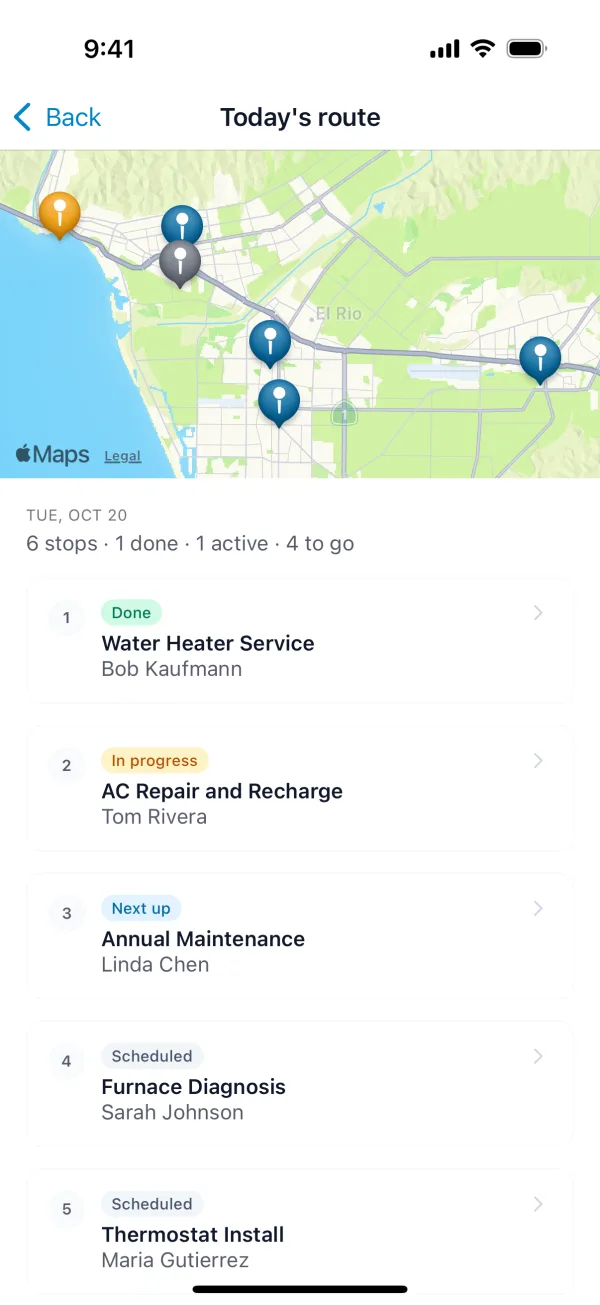
A stop needs an address with a pin to appear on the map. A job whose address couldn't be located is listed but not mapped.