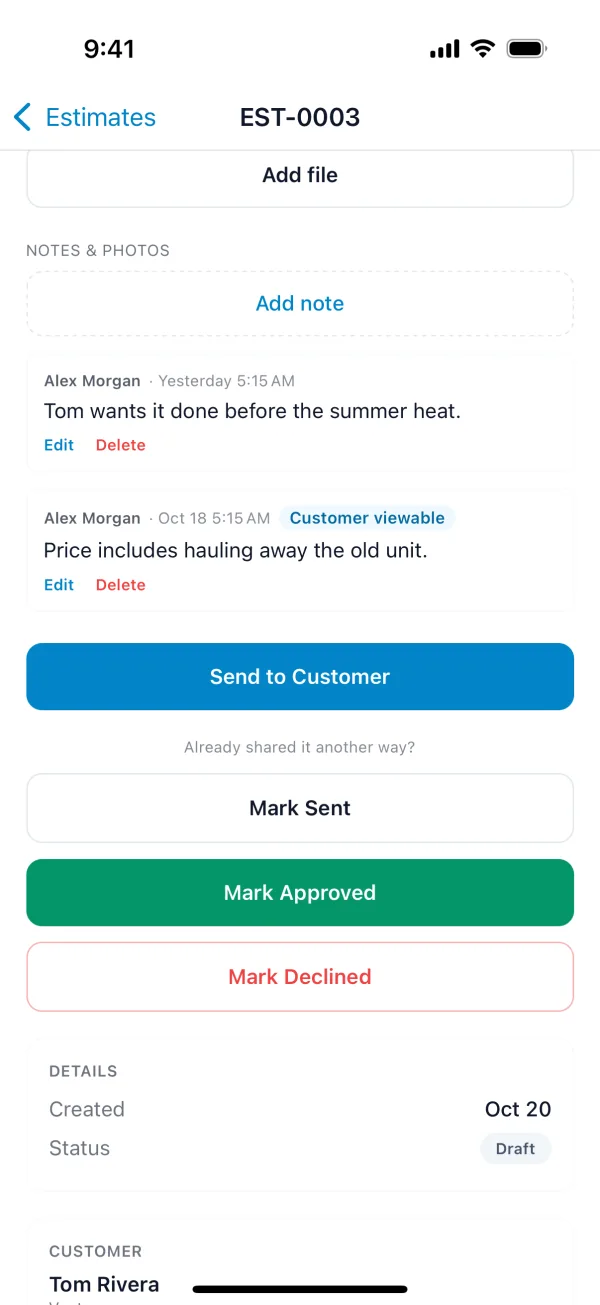
Estimate files, notes and photos
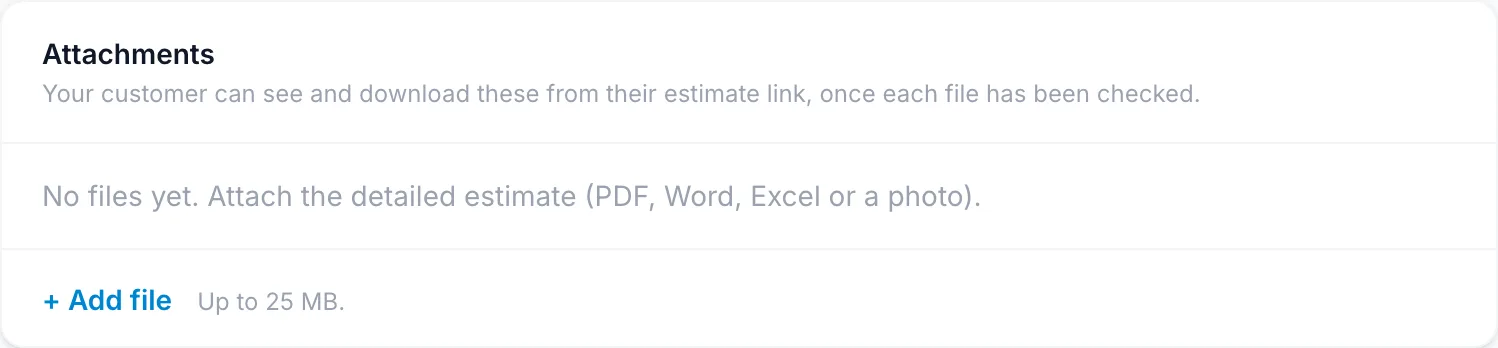
Attachments
Attach files the customer should see: a detailed quote, a drawing, a brochure. They can view and download them from their estimate link, once each file has been checked. Files can be PDF, Word, Excel or a photo, up to 25 MB each. Attachments are on Starter and up.
On the estimate, click + Add file under Attachments.
On the estimate, tap Add file under Attachments.
Notes and photos
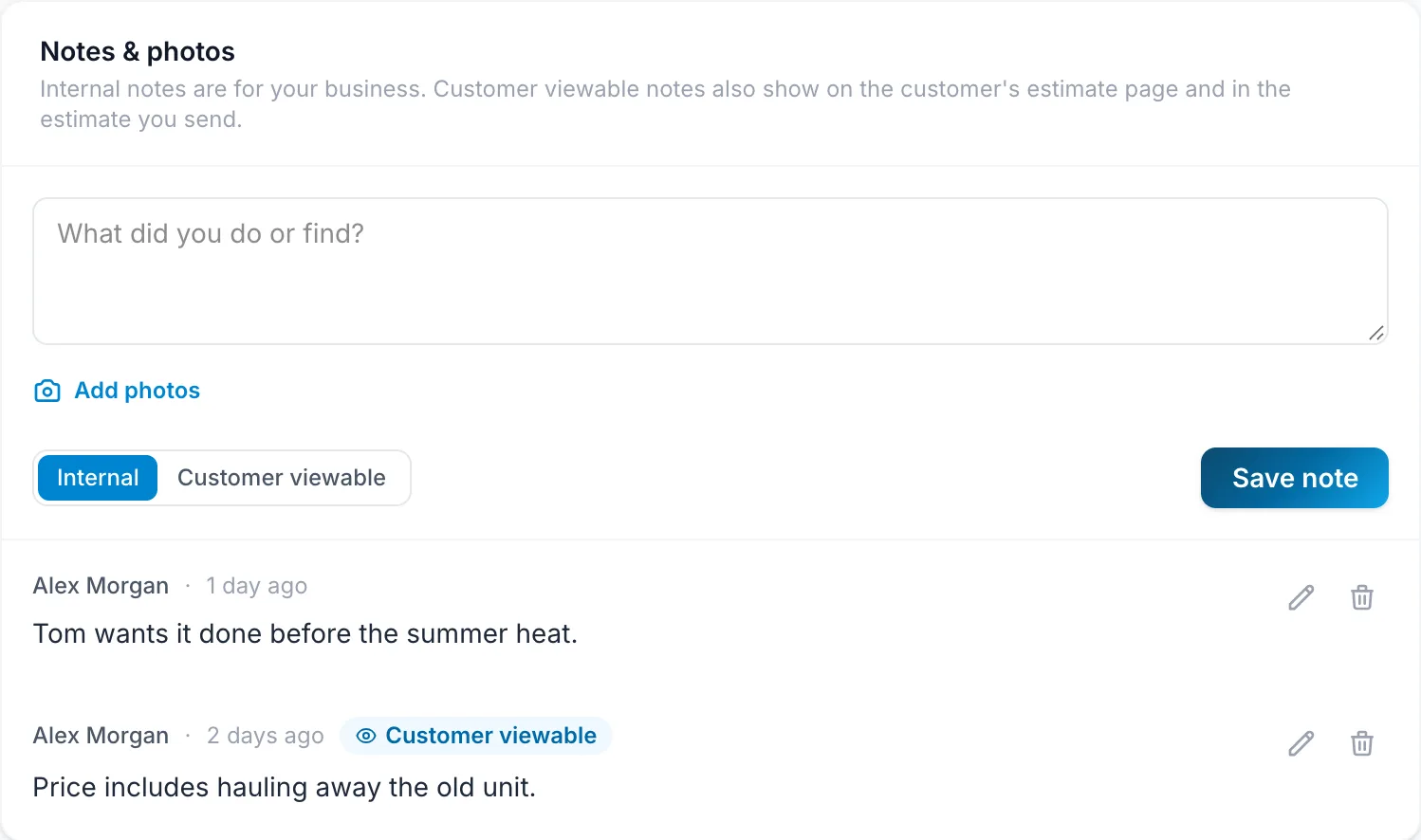
Notes record what you found, measured or agreed. Each note is either Internal, for your business only, or Customer viewable, which also shows on the customer's estimate page and in the estimate you send. Adding photos to a note is on Starter and up.
- On the estimate, type in Notes & photos.
- Click Add photos to attach pictures.
- Choose Internal or Customer viewable, and click Save note.
- On the estimate, tap Add note.
- Type the note, add photos, and choose Customer viewable if the customer should see it.