Send an estimate
Sending gives the customer a link to their estimate. FieldOS texts it if they have a phone number and accept texts, and emails it otherwise.
- Open the estimate.
- Click Send to Customer.
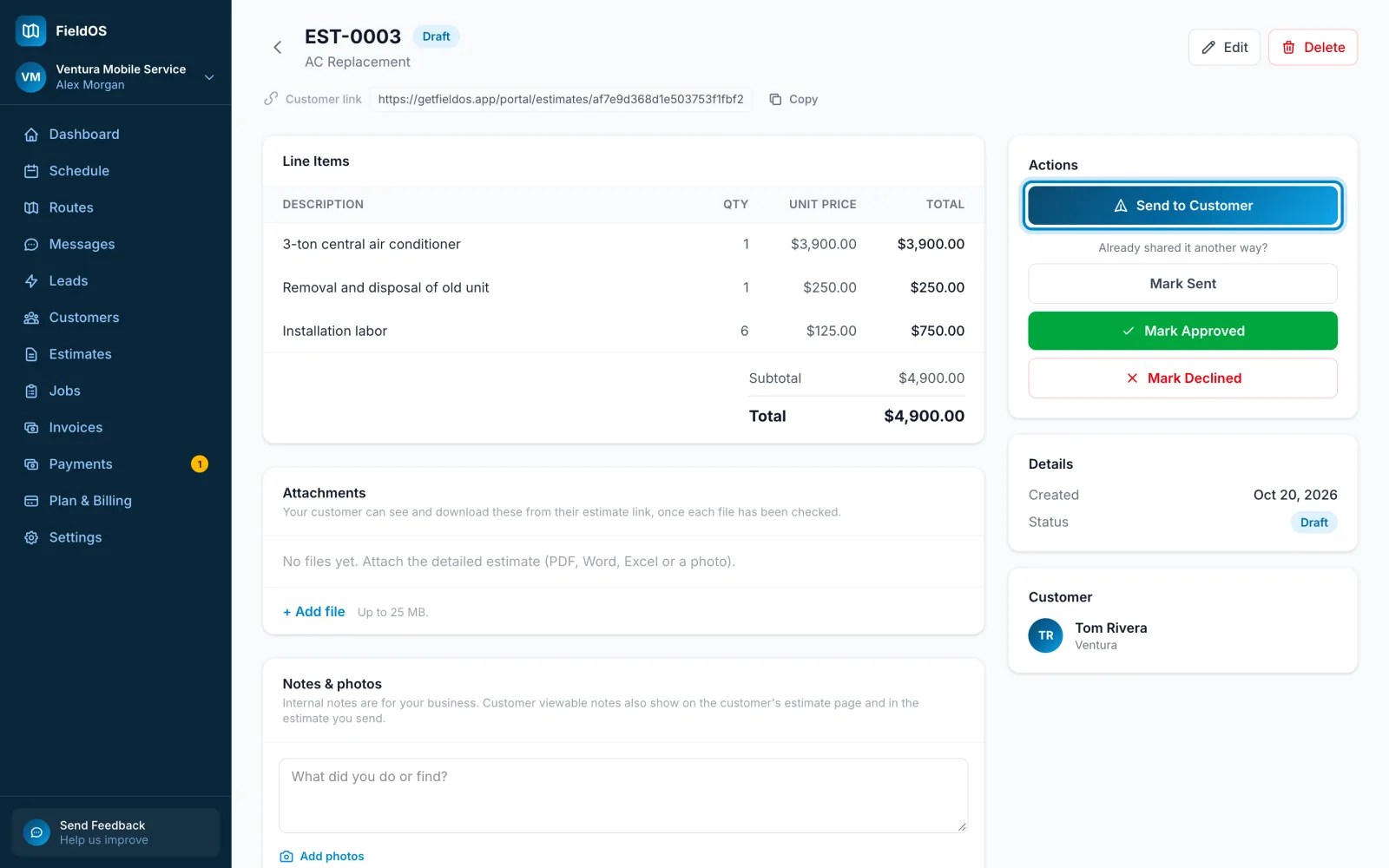
- Open the estimate and scroll to its actions.
- Tap Send to Customer.
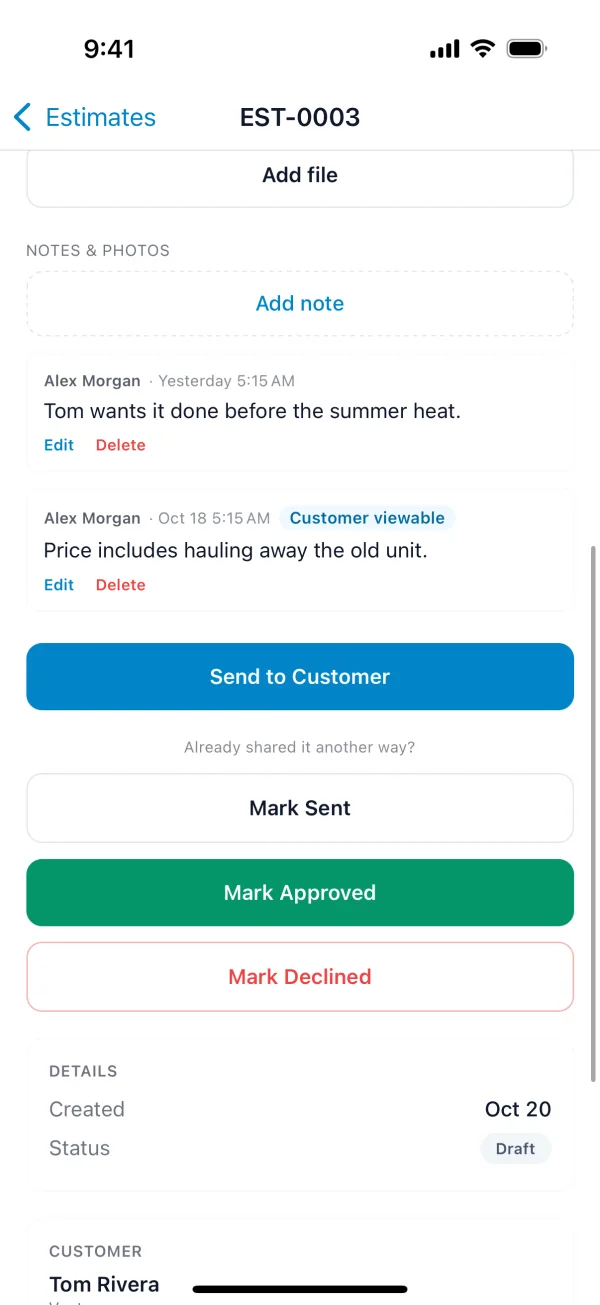
On the Free plan, Send to Customer opens your own messaging app with the link filled in, and you send it from there. (On the phone, a customer with no phone number gets your share options instead.) On Starter and up, FieldOS sends it for you.
Already shared it another way, in person or by your own email? Click Mark Sent so the estimate's status matches. To send it again later, use Resend to Customer. The Customer link at the top of the estimate is the same link, if you'd rather copy it.