Create an estimate
An estimate starts as a draft. Saving it doesn't send anything to the customer; you do that when it's ready, in Send an estimate.
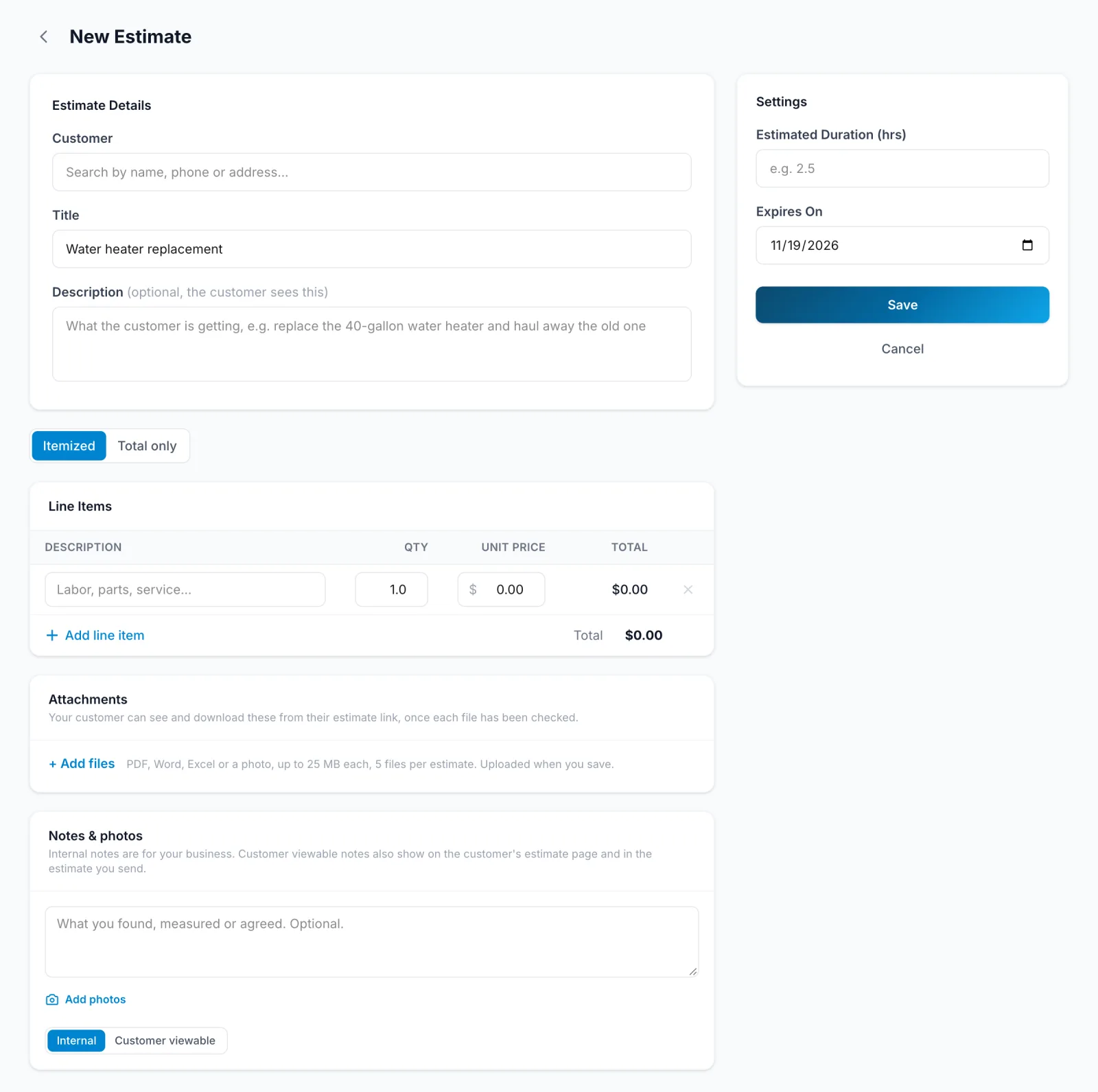
- In the sidebar, click Estimates, then New Estimate.
- Pick the Customer and give it a Title. The Description is optional, and the customer sees it.
- Under Pricing, choose Itemized and add each line with Add line item, or choose Total only and enter one Amount.
- Optionally set Expires On and Estimated Duration (hrs).
- Click Save.
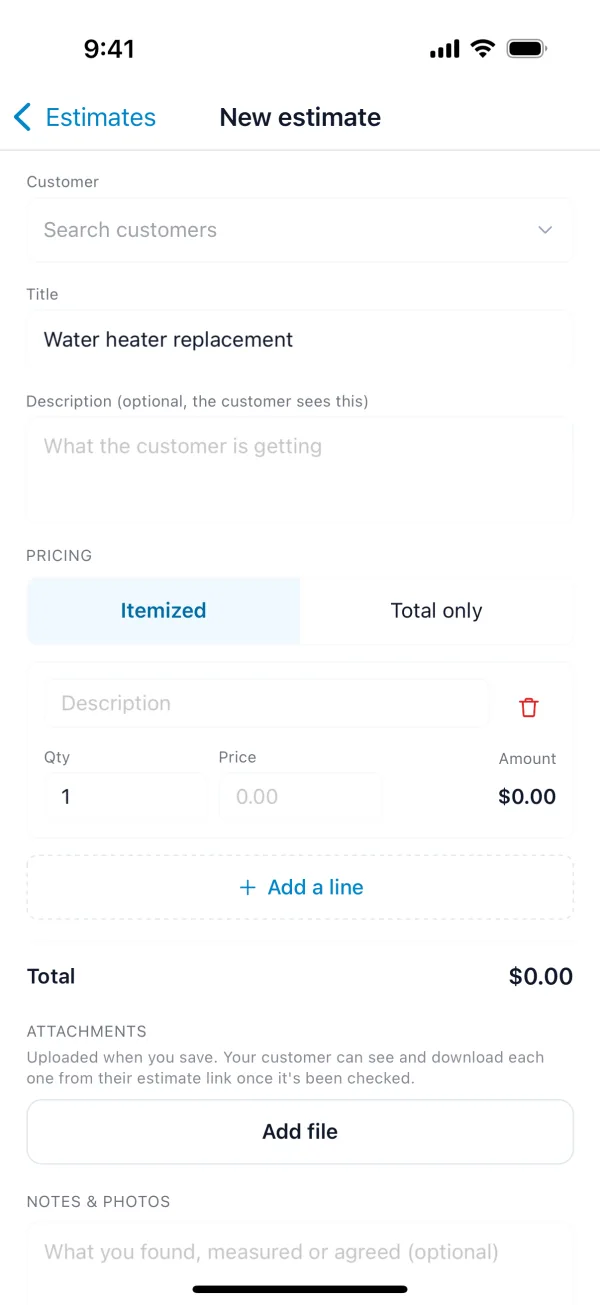
- Tap More, then Estimates, then +.
- Pick the Customer and fill in the Title.
- Under Pricing, choose Itemized and add lines with Add a line, or choose Total only.
- Tap Save.
You can also start an estimate from a customer (New estimate) or from a lead, in Convert a lead.